

Lotos Station XR Film
︎ 1. Tech Development
- Sub-Level Organization
- Material & Shader Work
- Cleaned up redundant geometry
- Fixed overlapping meshes
- Fixed UVs
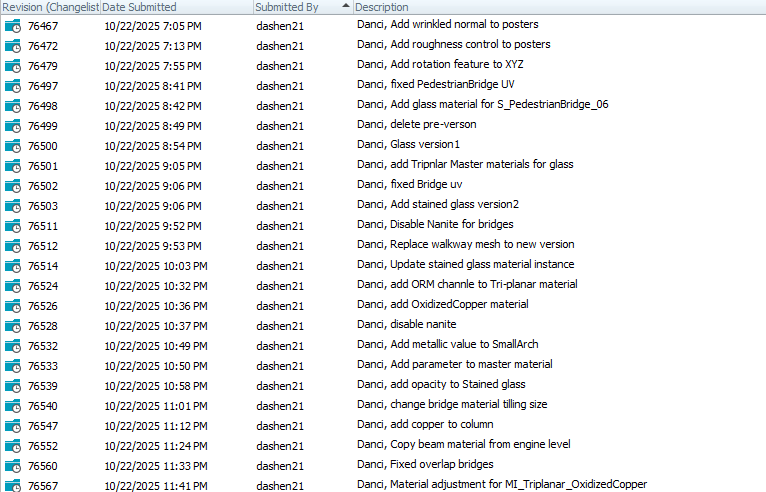
- Disabled Nanite on certain meshes
︎ 2. Lighting Development
- Adjusted Volumetric fog, Godray, and LightBeam
- Implemented fill lights
- Performed validation passes
︎ 3. Onsite Optimization & Adjustment
- Lighting
- Clean up overlap transparency
- Delete some foliage
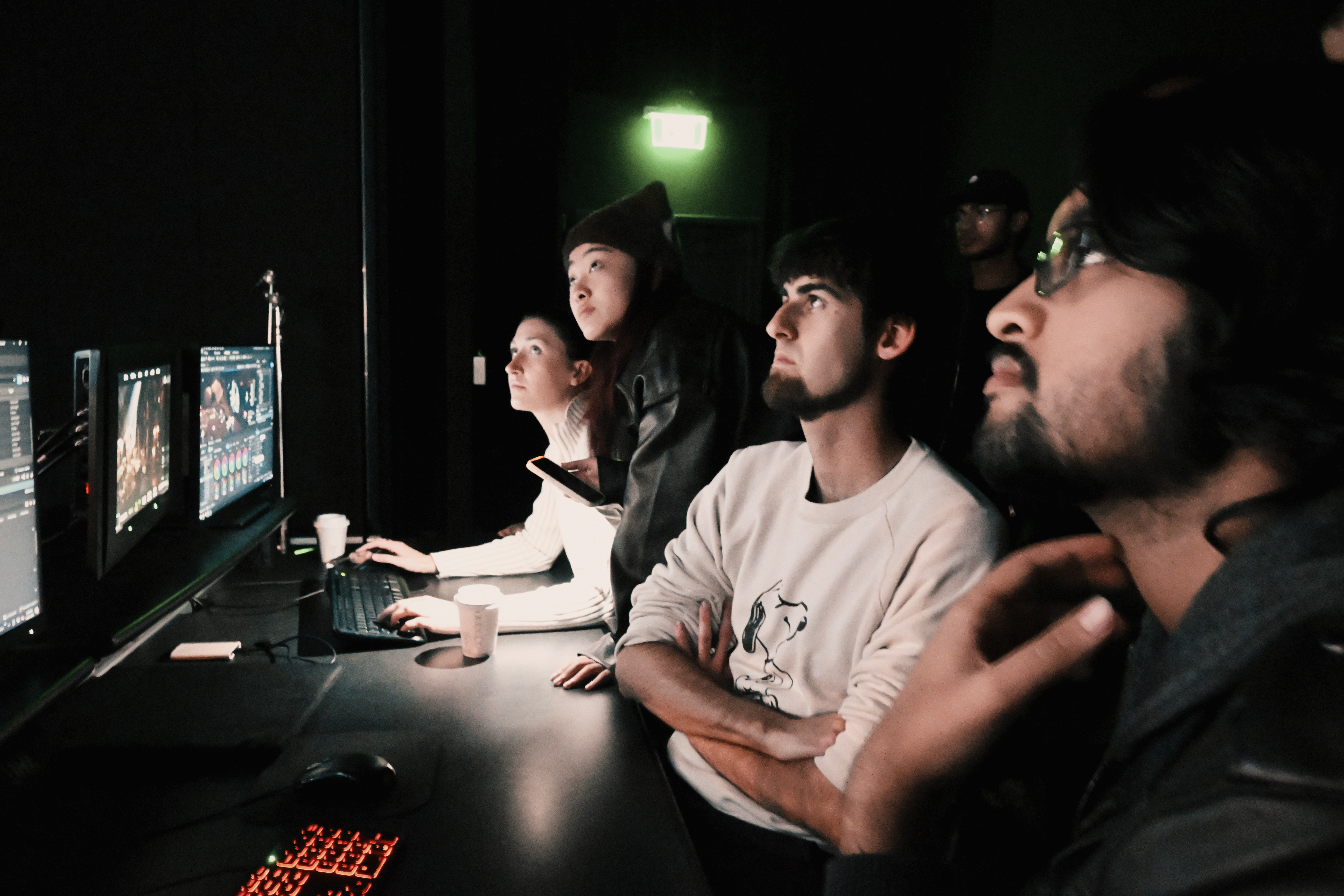
- Color Grading
- Troubleshoot and help with reduce texture map sizes
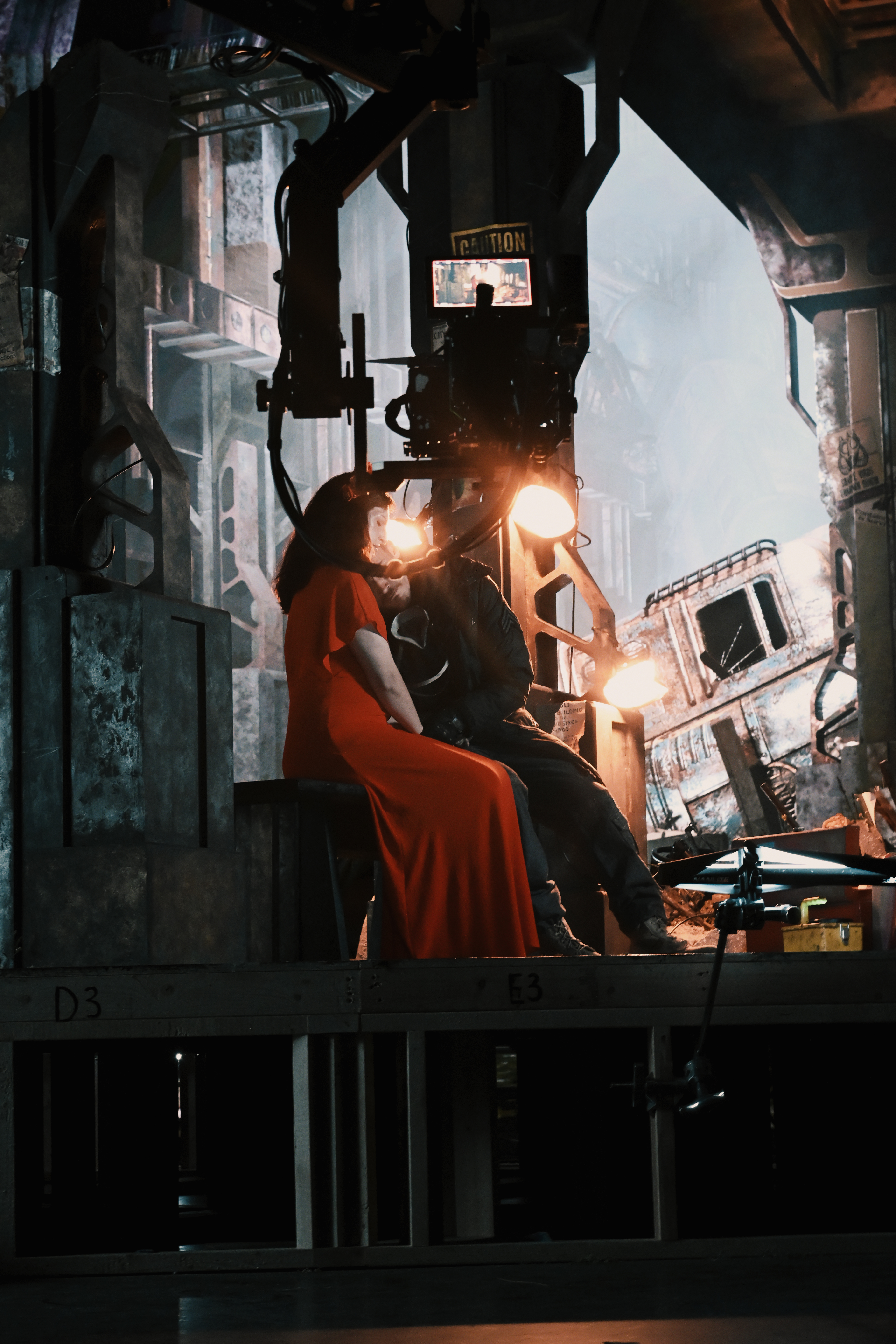
Tech Development
(1) Sub-Level Organization and Document
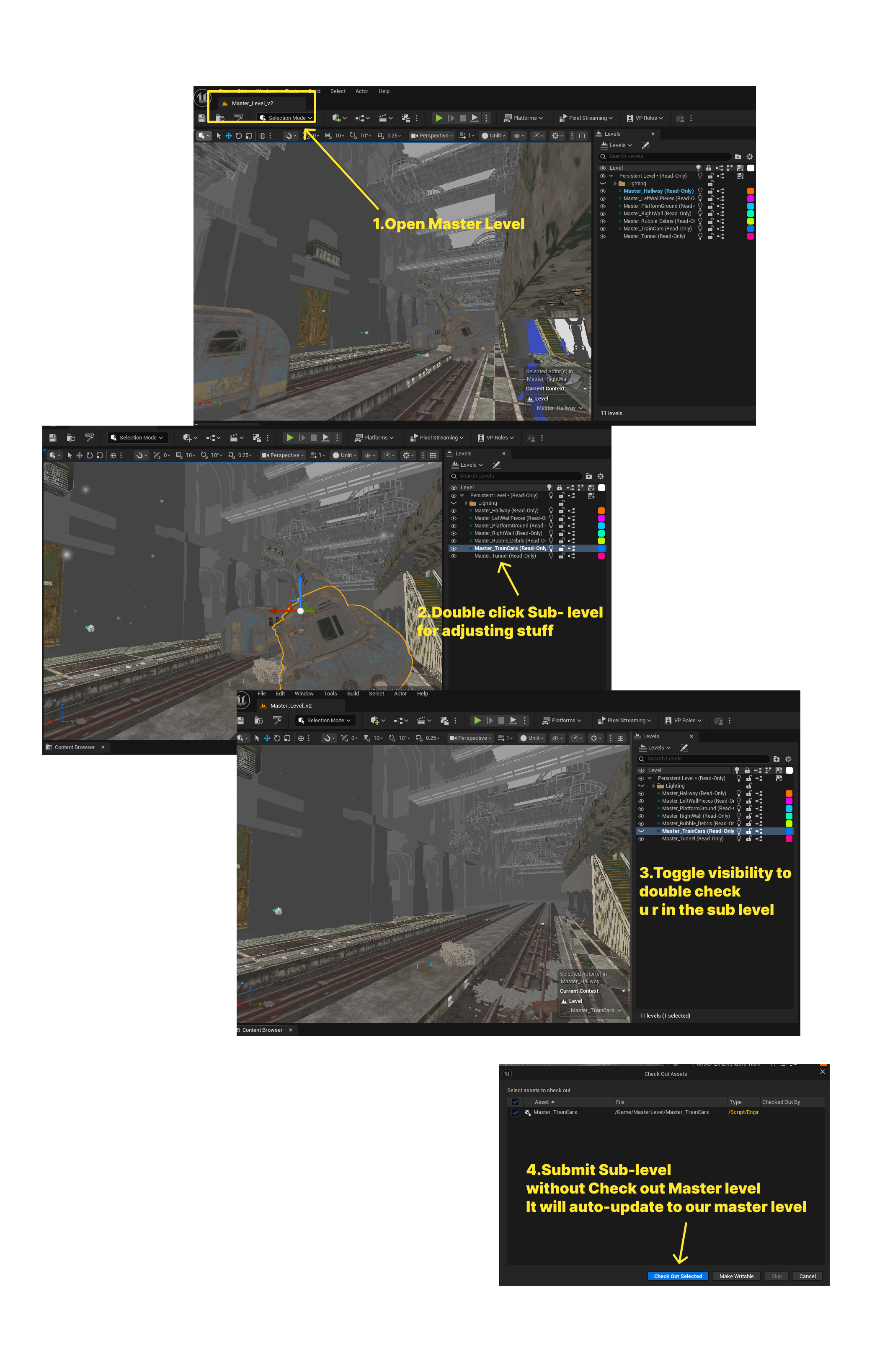
Reorganized the environment hierarchy by separating Tunnel, Platform, Lighting, HereAssests and etc. into individual sub-levels. This setup allowing lighting and environment adjustments to be isolated during pre-lighting and playback tests. Redundant geometry and pre-version assets were cleaned up to reduce file weight and ensure faster scene iteration on set.
(2) Material & Shader Work
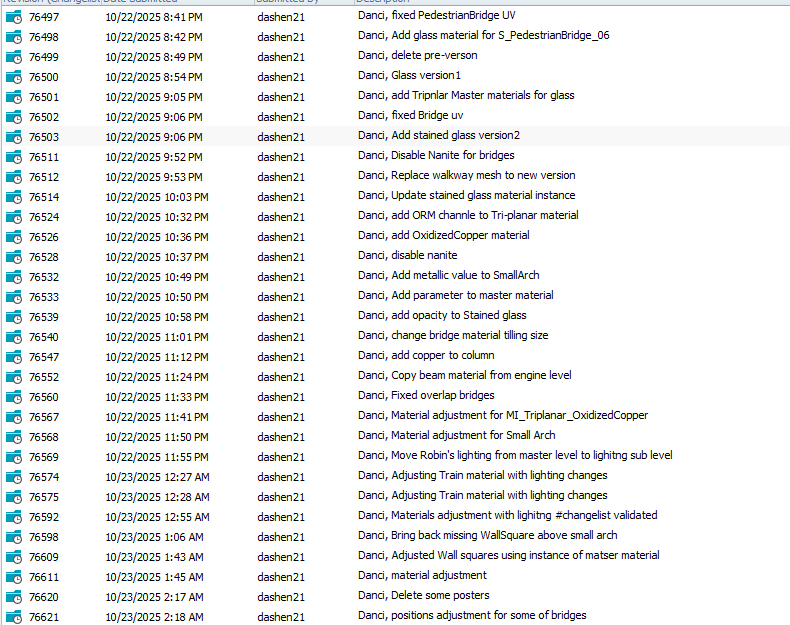
Stained Glass
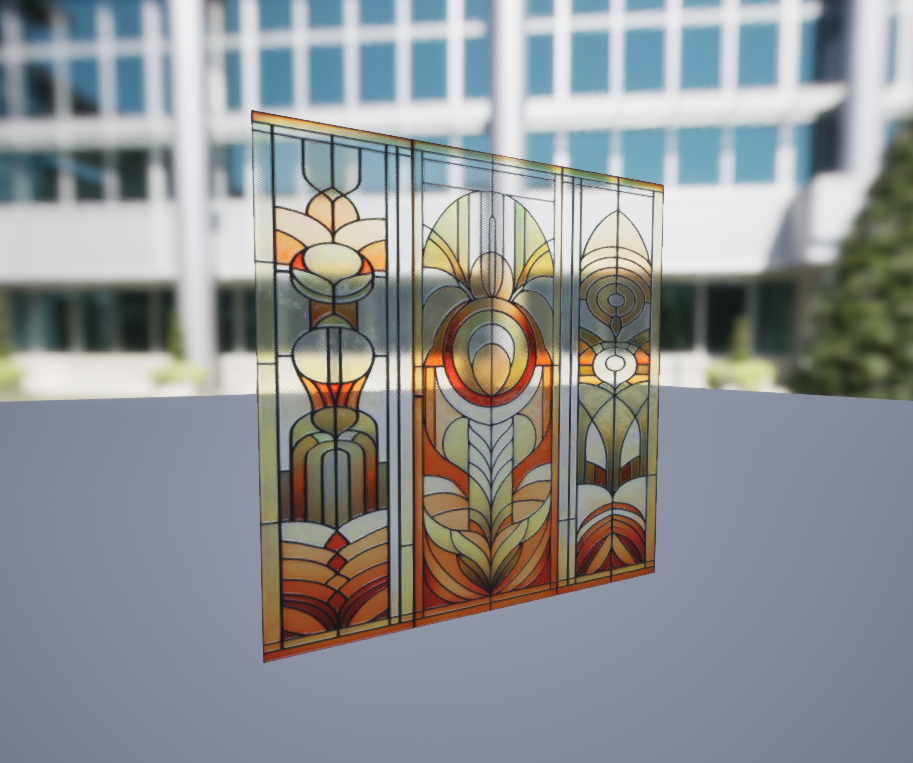
Material Refinement
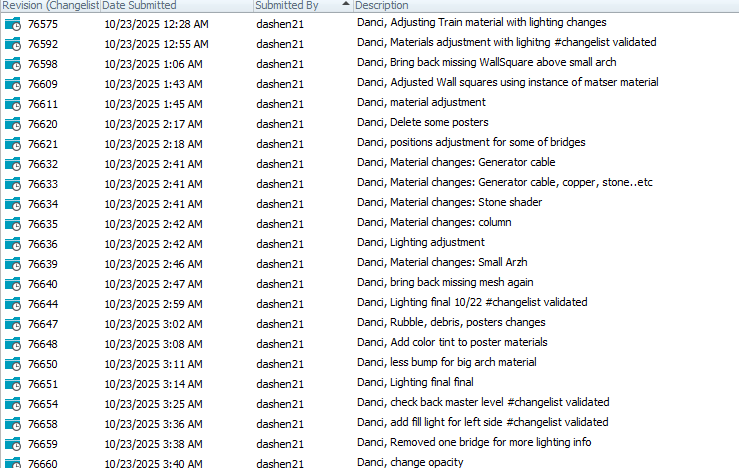
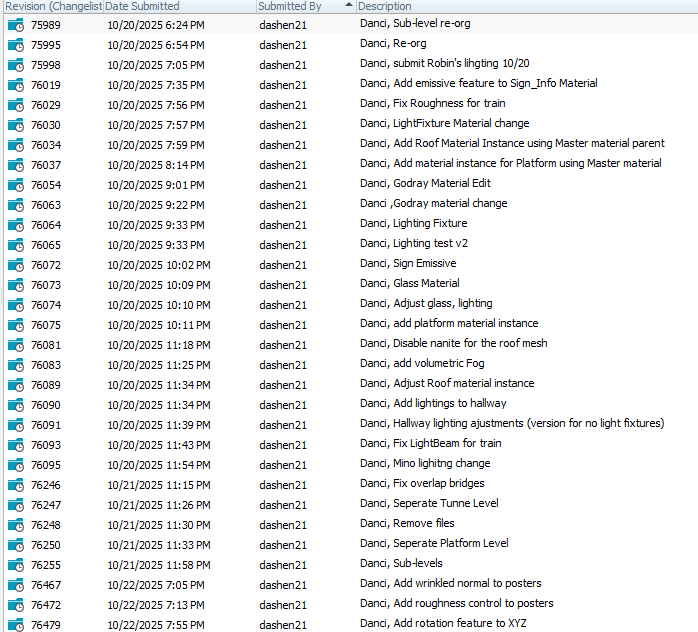
Several materials were parameterized with real-time controls for roughness, metallic, emissive, and ORM values, allowing quick adjustments under stage conditions.
(3) LookDev & Technical Fixes before shoot day
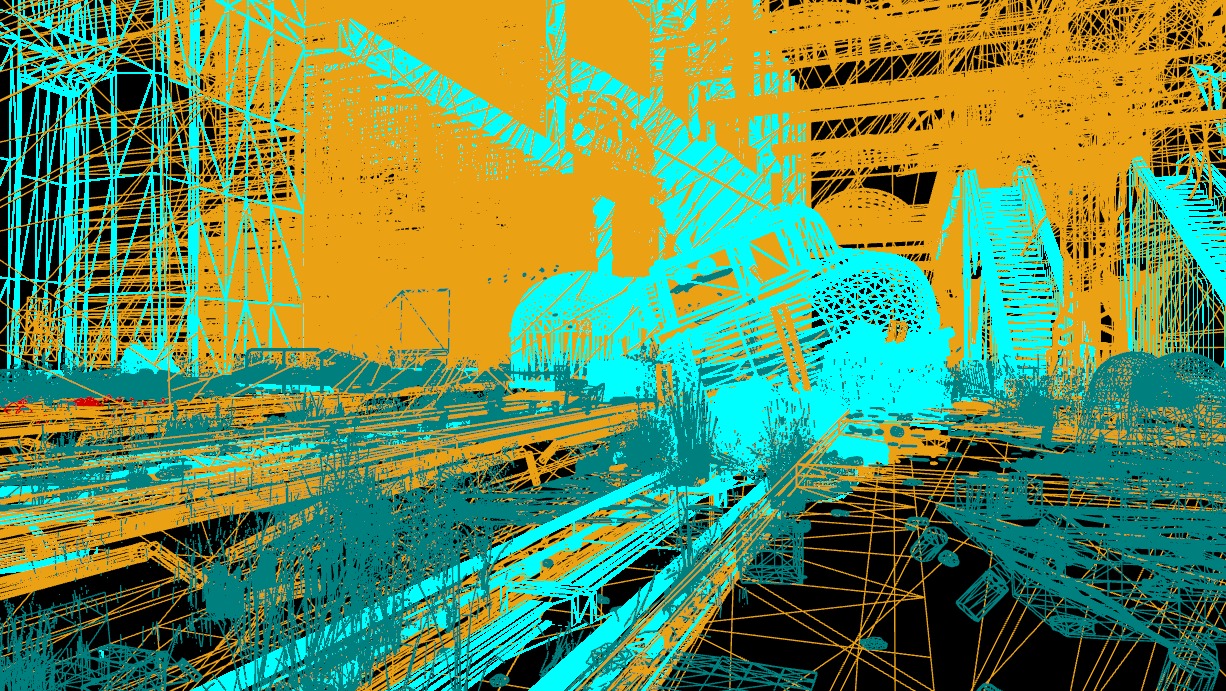
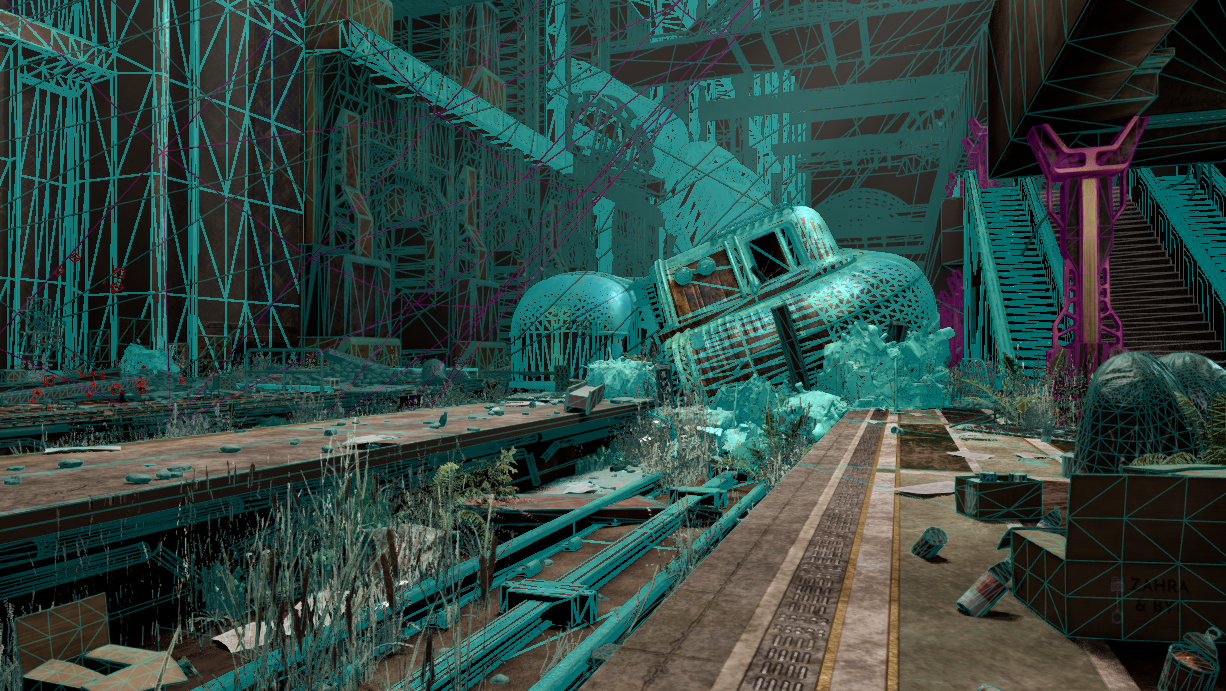
Cleaned up redundant geometry
Bridges, walkways, and pedestrian assets were rebuilt with corrected UVs to avoid texture overlap during camera tracking. These fixes also improved triplanar projection and maintained alignment with the master materials.
Disabled Nanite on certain meshes
Selective Nanite disabling was applied to translucent and reflective meshes to stabilize lighting reflections and ensure accurate mesh response on the LED wall.
Lighting Development
Volumetric Fog, Godray, and LightBeam Implementation
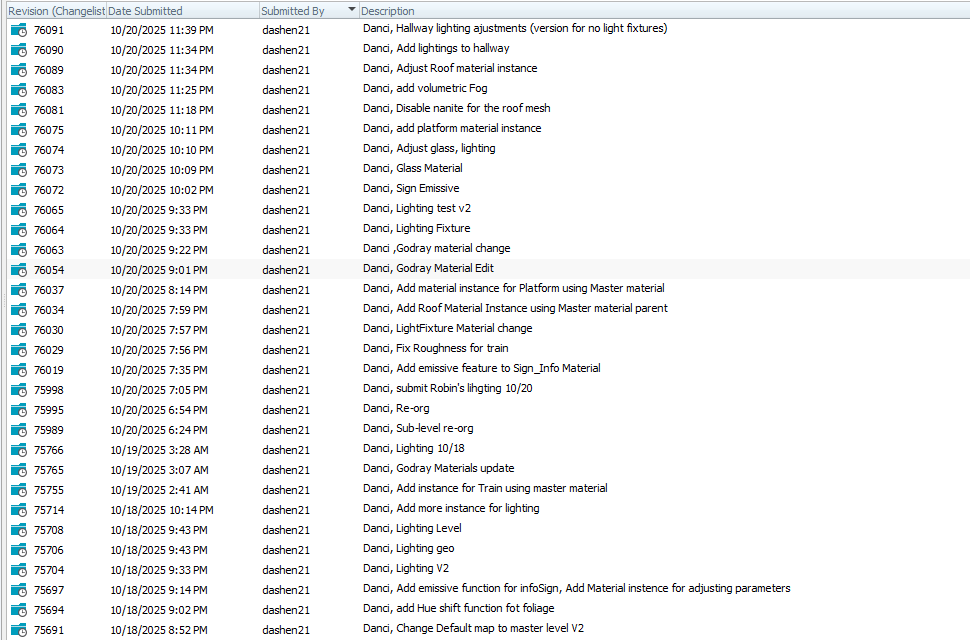
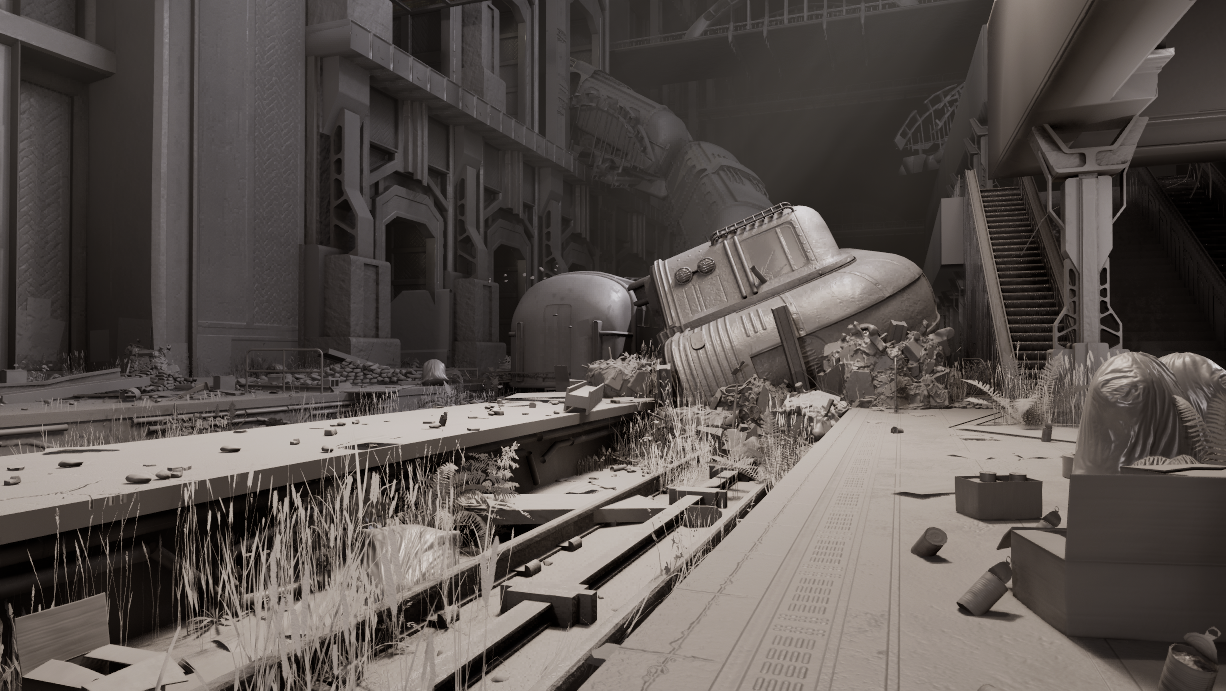
Adjusted misc lighting for different area, changed volumetric fog and Godrays to enhance visual depth and realism. Adjusted LightBeam materials and position for the train, reinforcing focal contrast and guiding the viewer's attention.
Fill Light Adjustments
Inserted fill lights on the left-side walls and shadowed corridors to balance exposure between bright and dim zones. Conducted multiple lighting tests to refine brightness and color temperature across levels.
Validation & Consistency Checks
All lighting setups were validated through changelist review passes, confirming consistency of shadow response and brightness levels across sub-levels. Robin's previous lighting layout was fully integrated into the reorganized environment, ensuring a coherent light hierarchy and color temperature throughout the scene.
Onsite Optimization | Adjustment
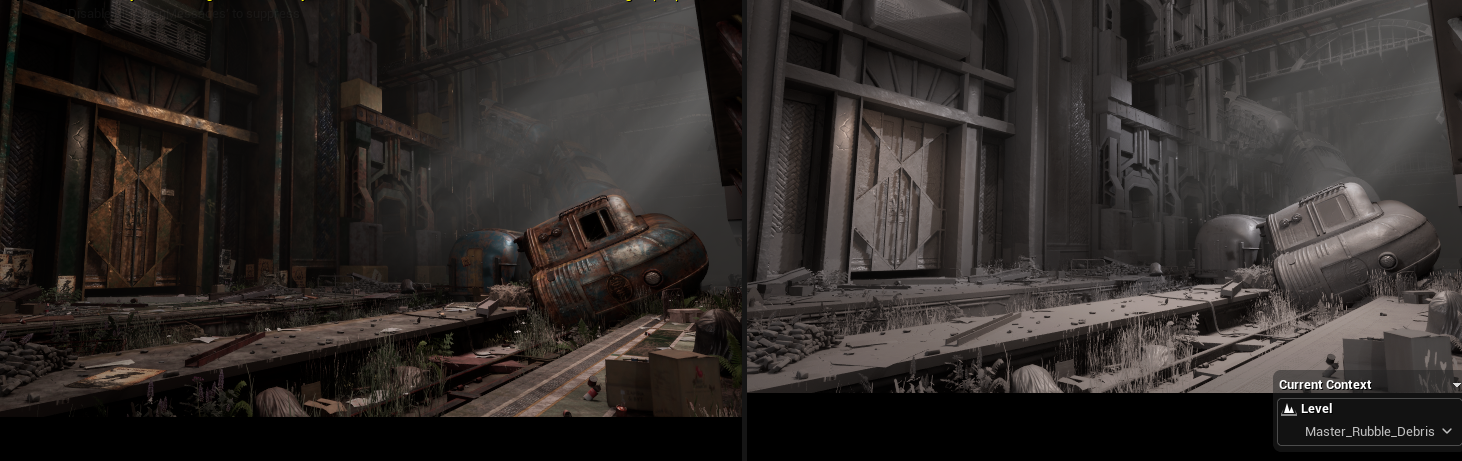
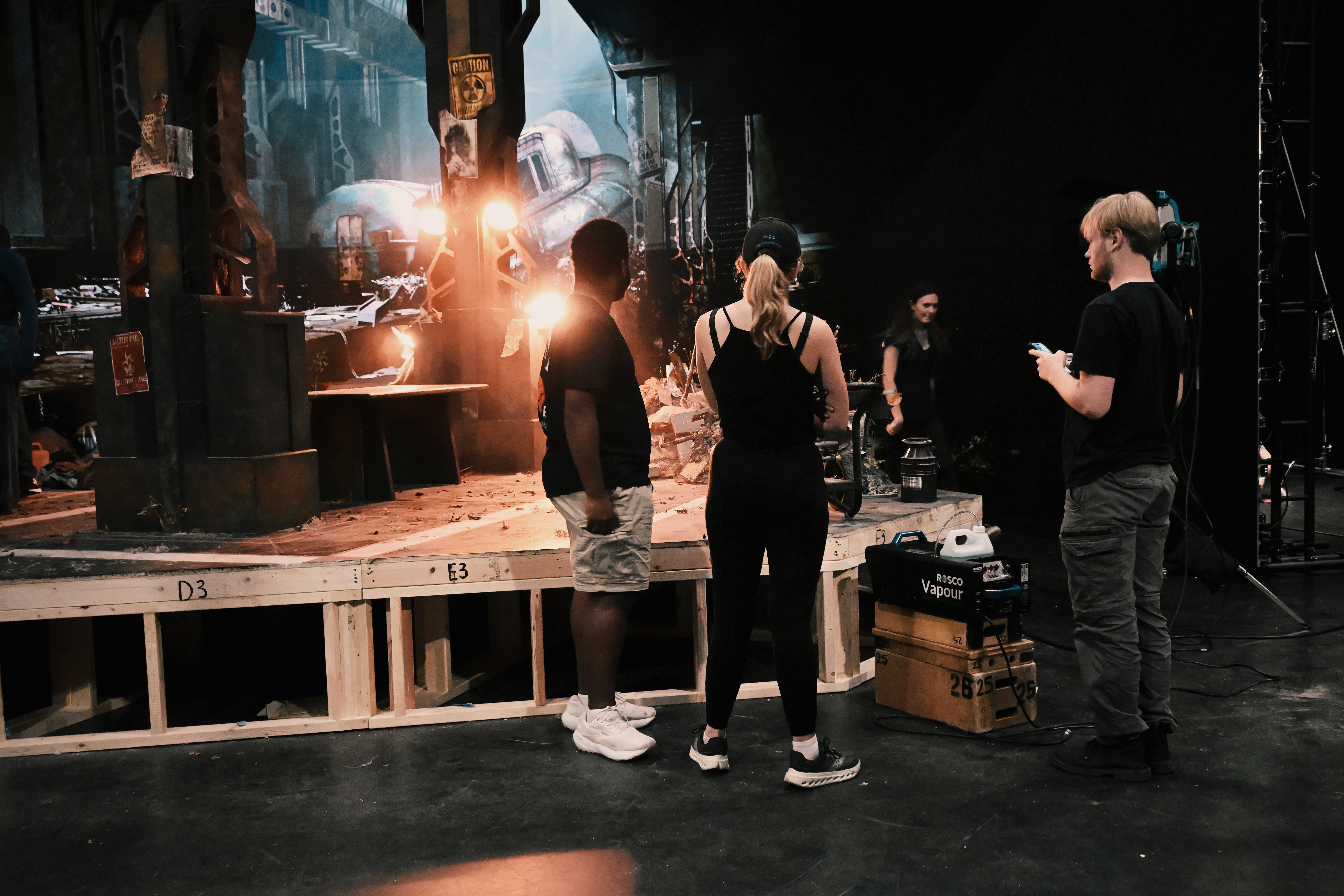
Material Refinement for Matching the physical set
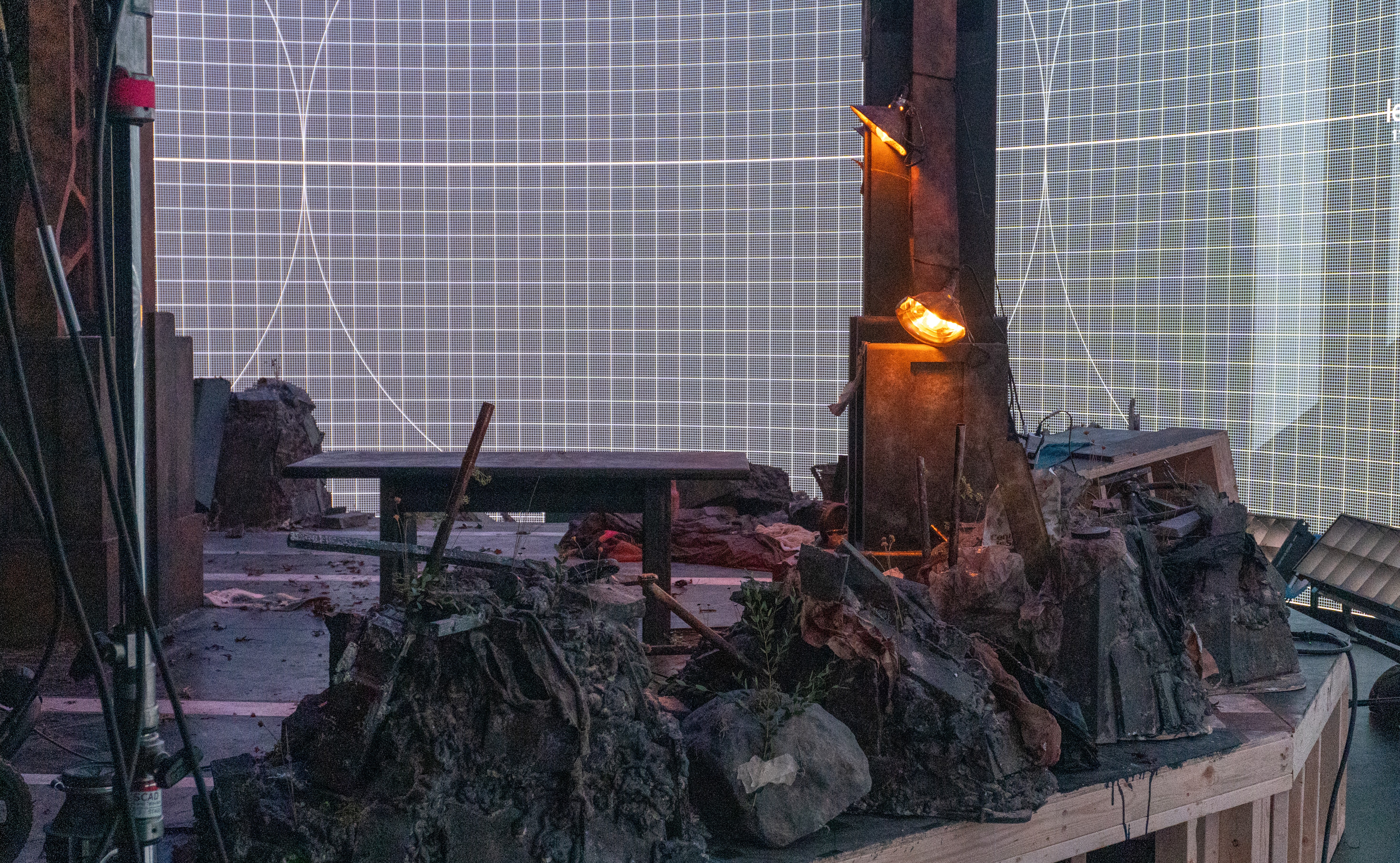
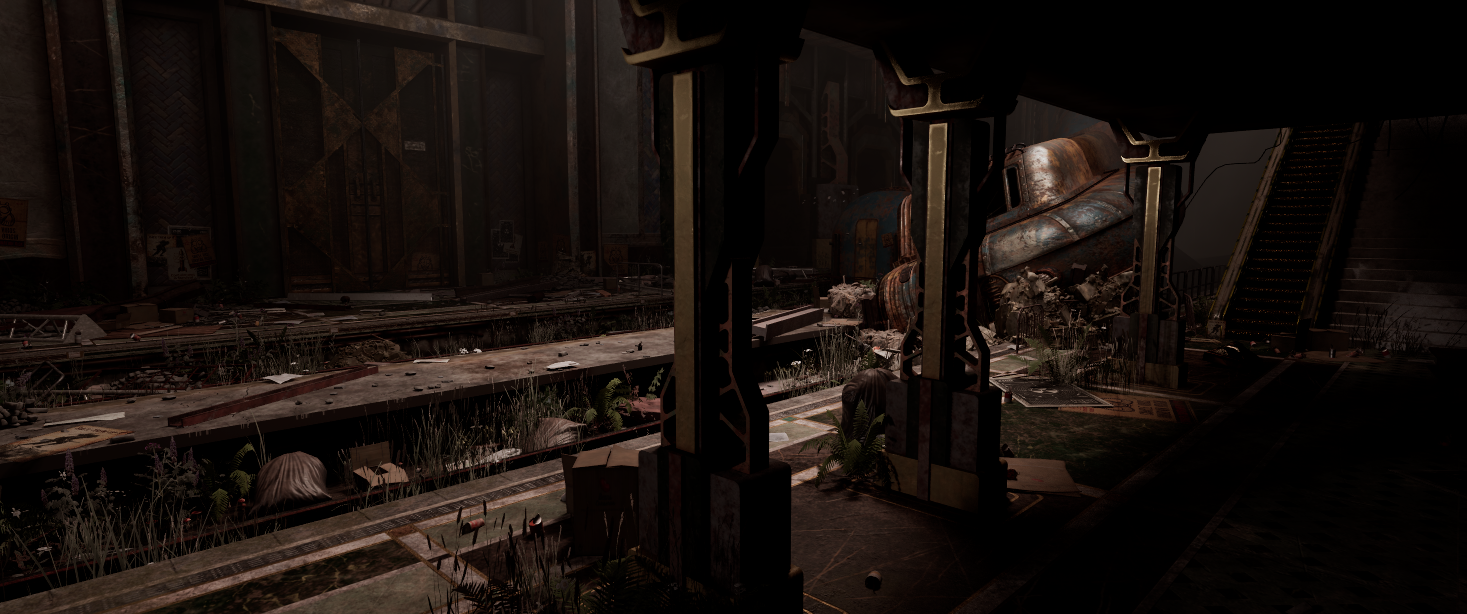
For the columns we need to make sure our virtual set fit the physical set.
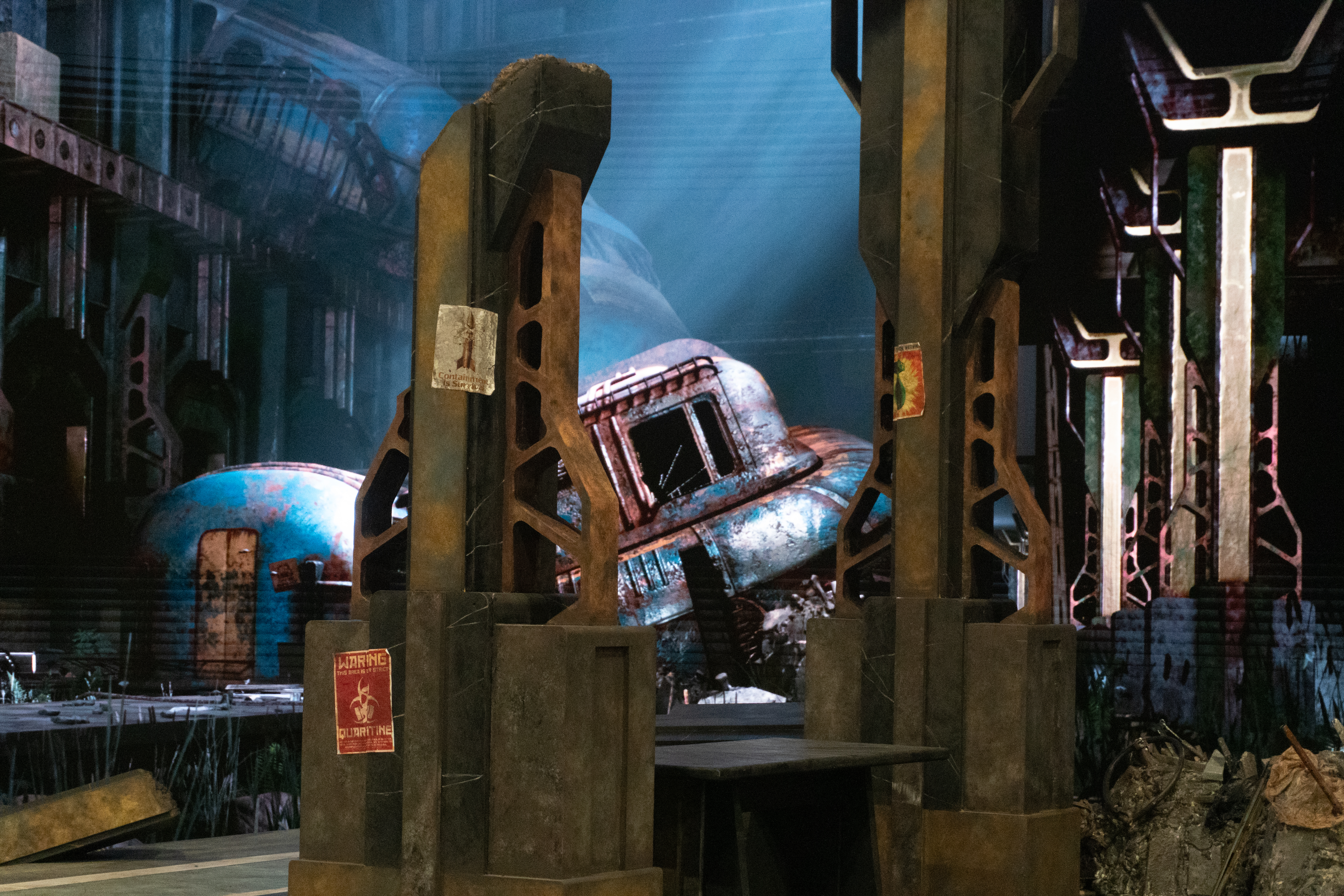
Before
After
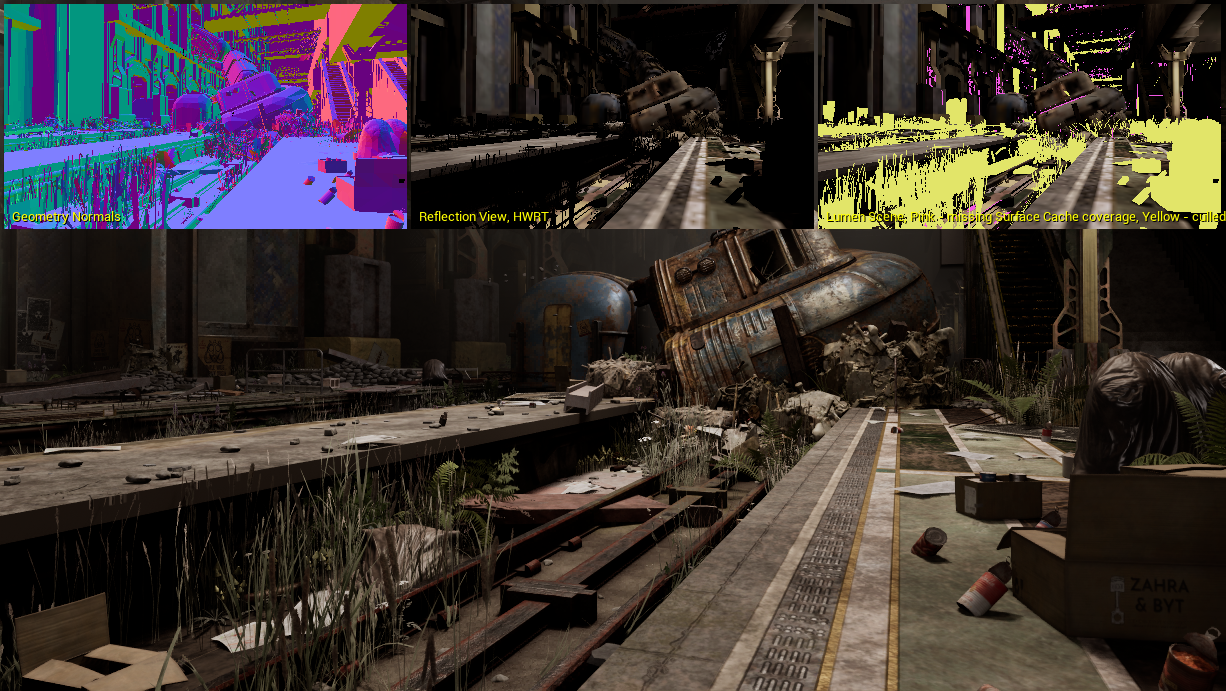
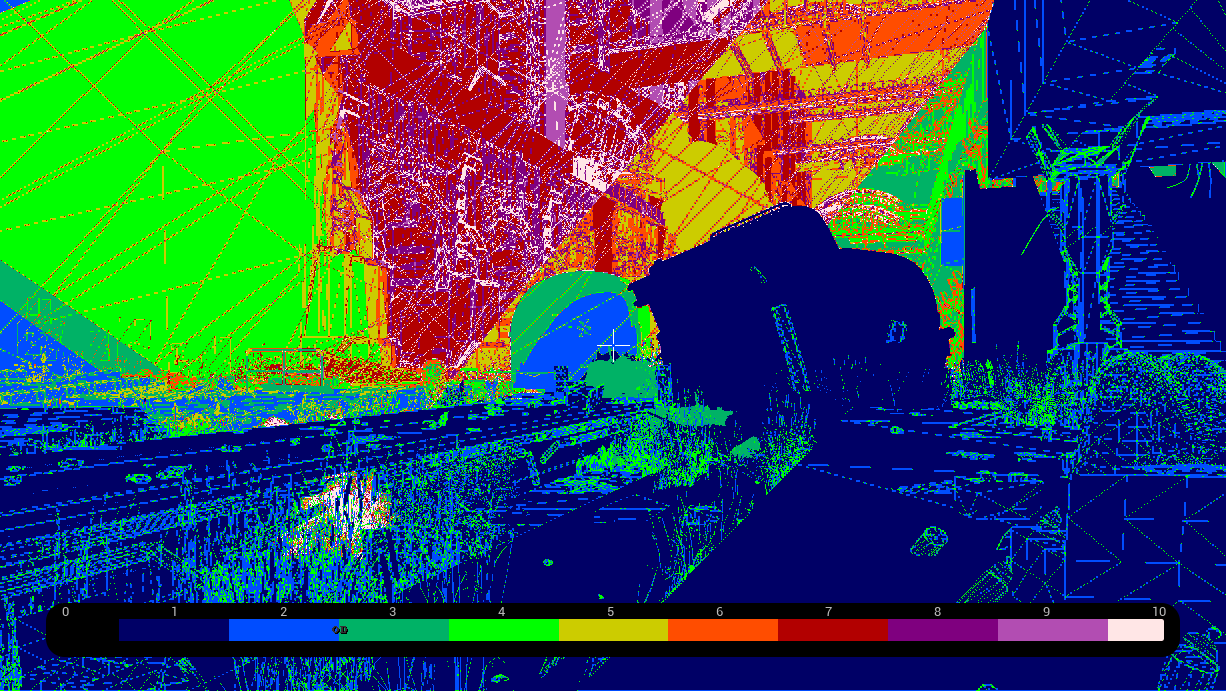
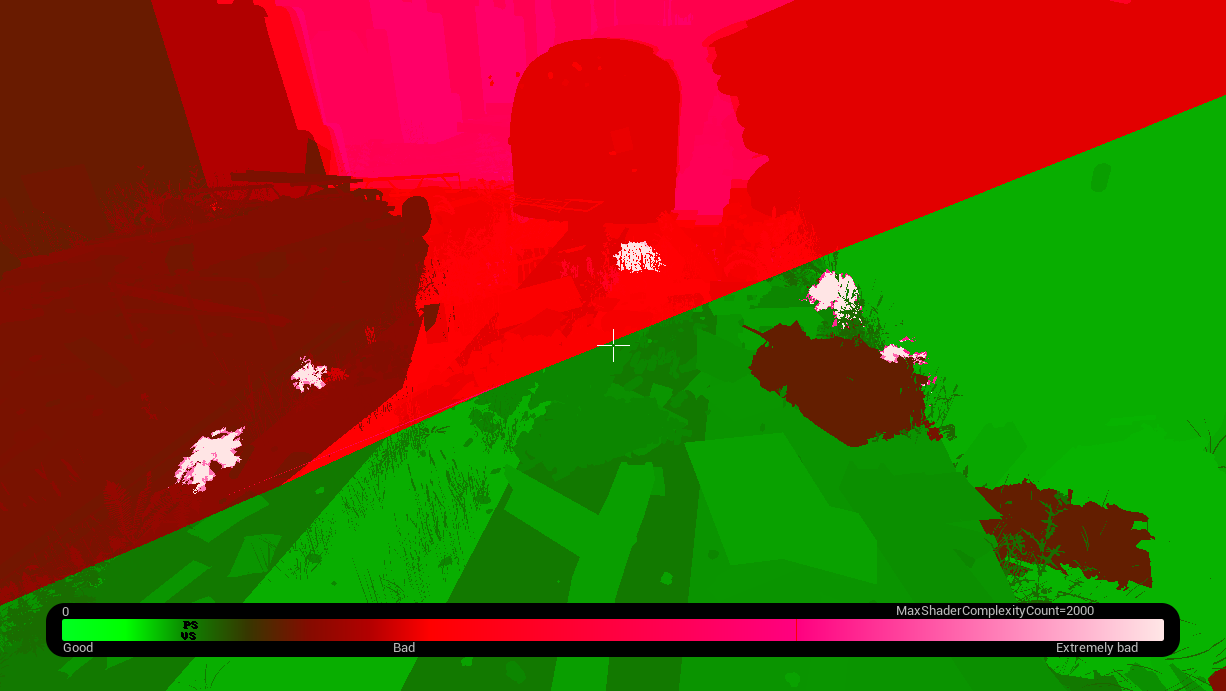
Unreal Engine has various Optimization Viewmodes built into the platform to help us quickly identify which assets are slowing our environment down. These view modes include:
- Light Complexity
- Lightmap Density
- Stationary Light Overlap
- Shader Complexity
- Shader Complexity & Quads
- Quad Overdraw
Each of these view modes use colour mapping to highlight which assets aren't optimized.


Foliage and Geometry Optimization
Deleted excessive foliage and unused props to reduce render cost and prevent occlusion conflicts with Lumen reflections. Verified that vegetation assets maintain correct shadow behavior under dynamic lighting.
Transparency Cleanup
Cleaned up overlapping emissive and transparent surfaces that produced double reflections during LED playback. Adjusted light positions to reduce flickering and improve calibration accuracy for on-camera exposure.


Color Grading
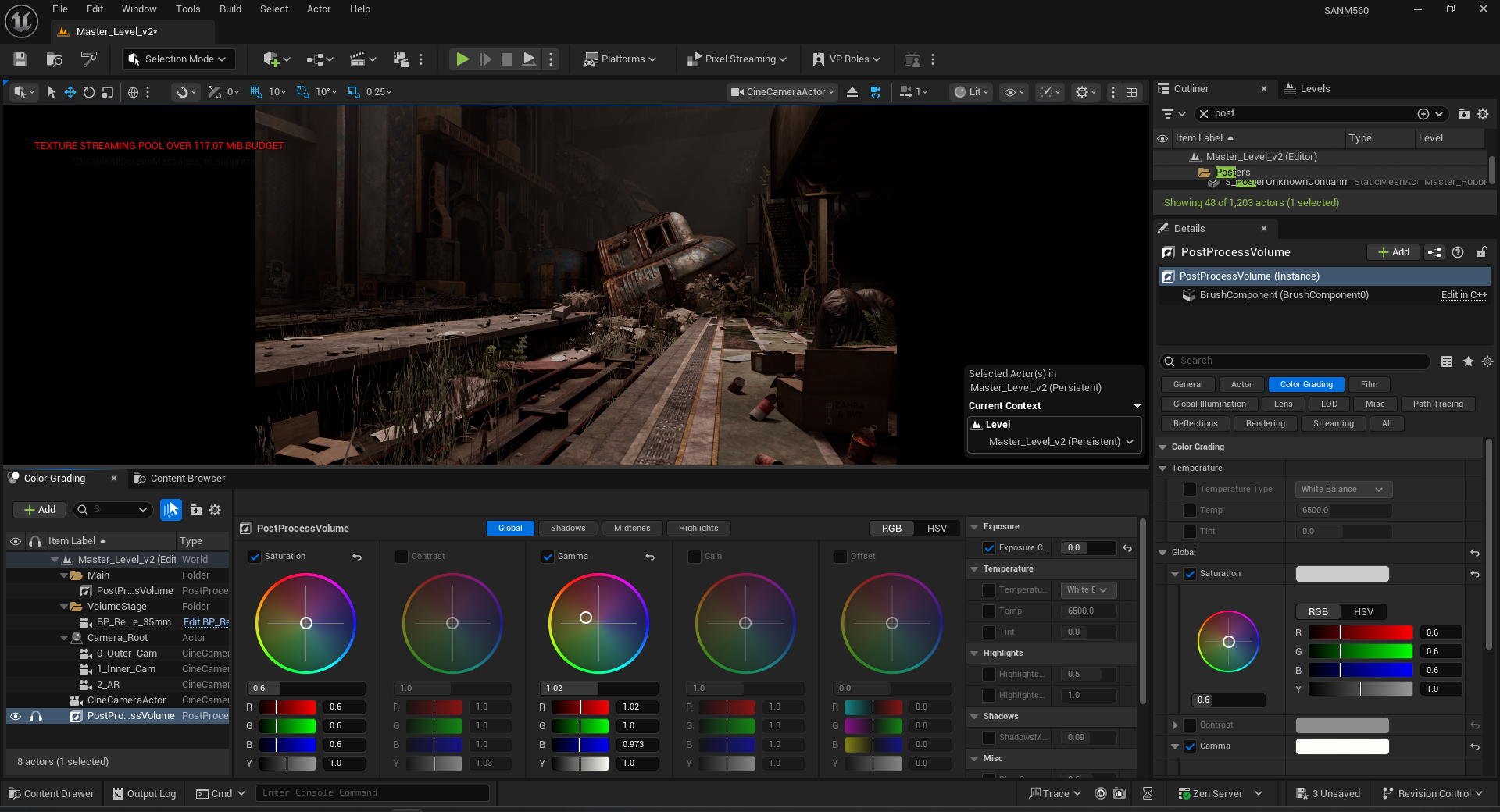
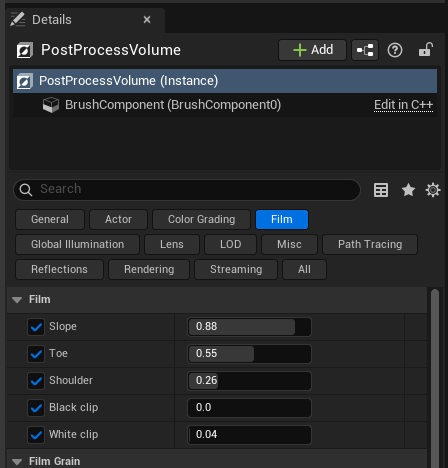
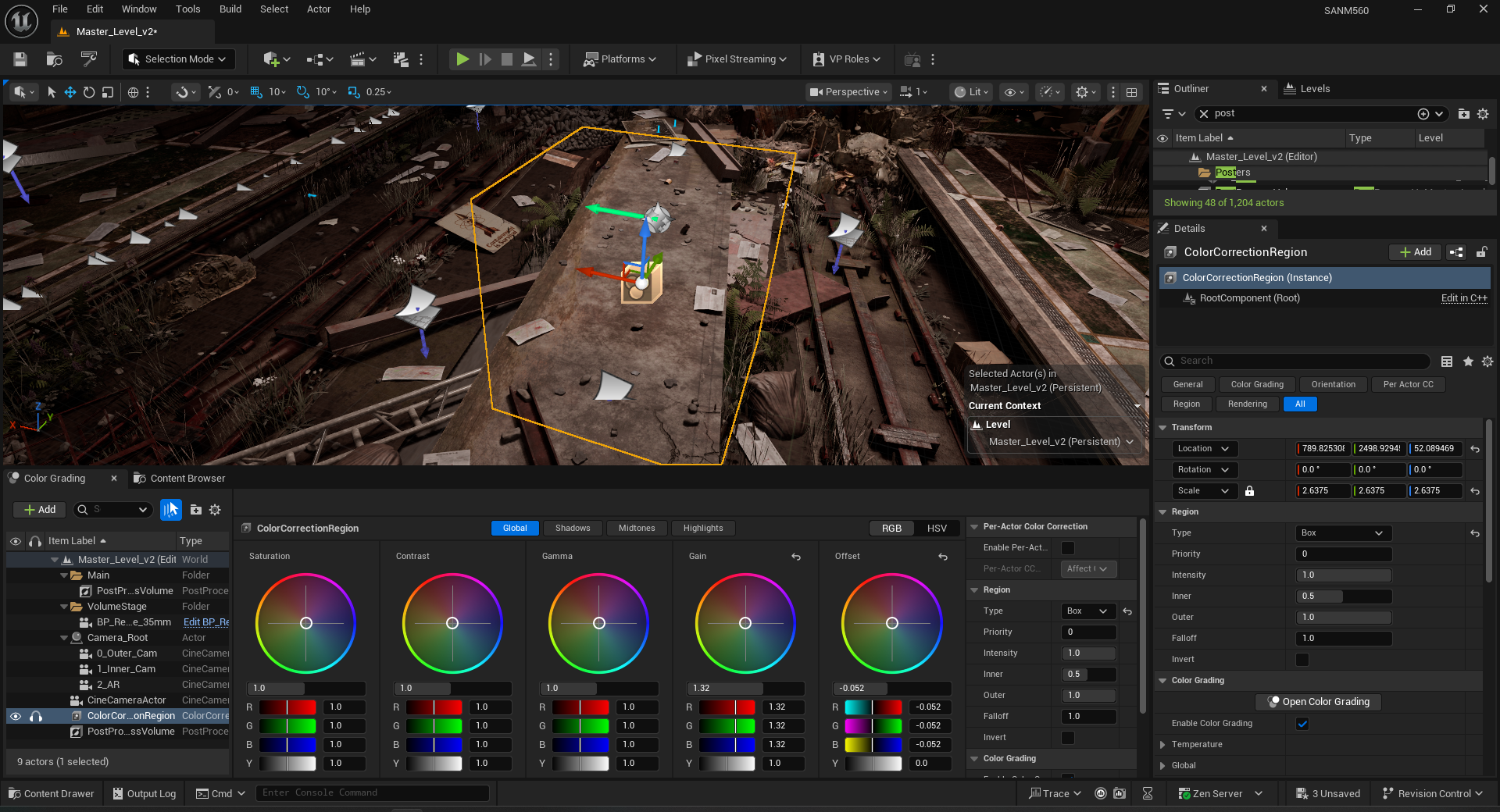
Refined the Post Process Volume and Color Grading Region.

Texture Map Reduction
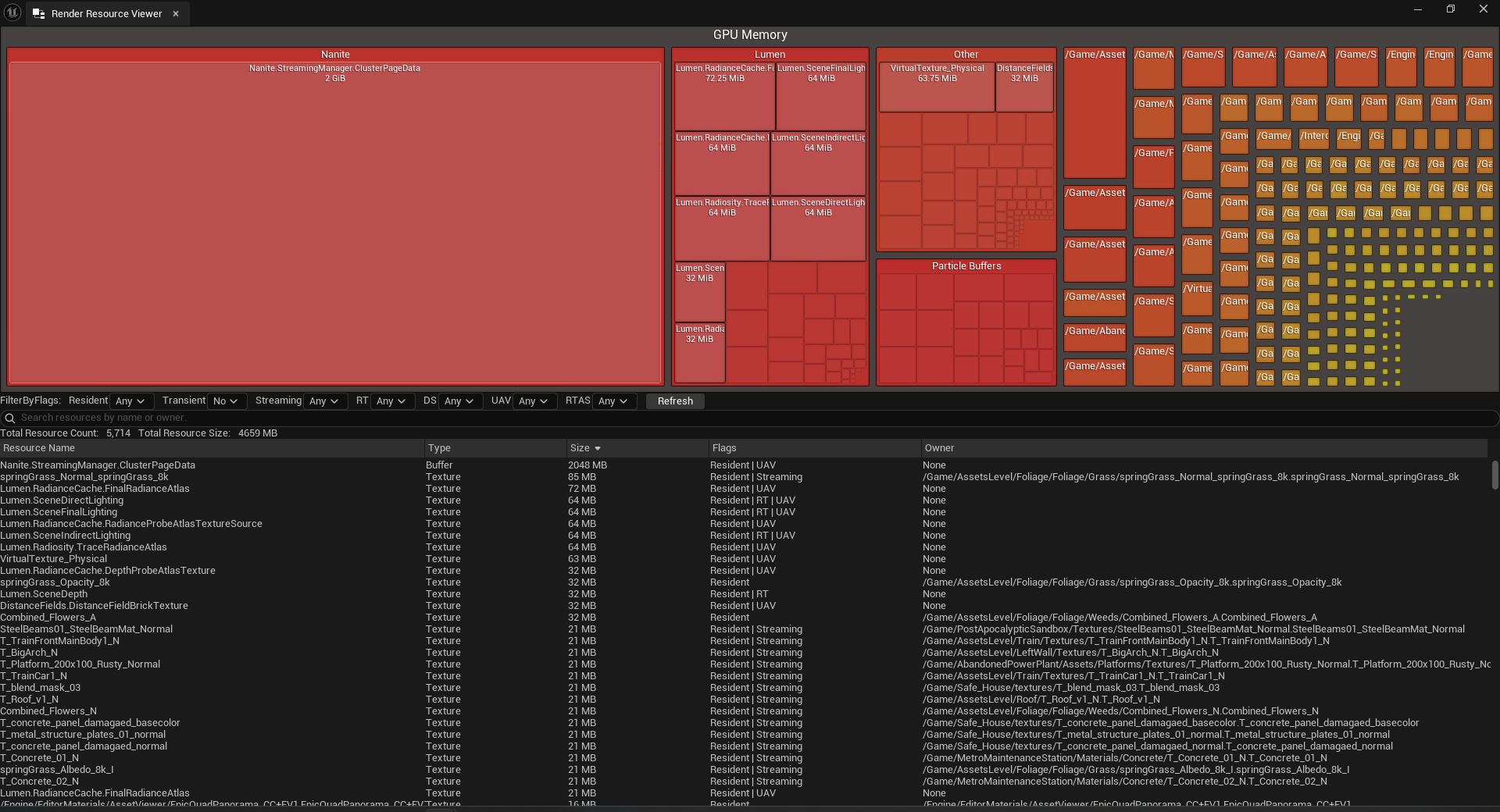
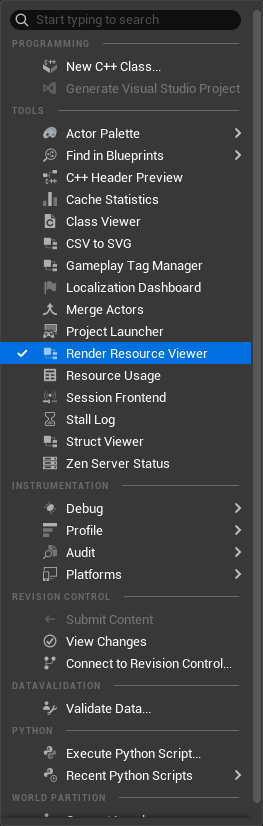
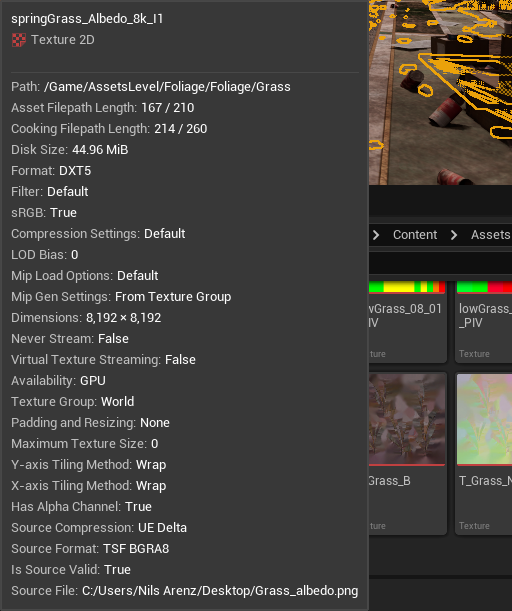
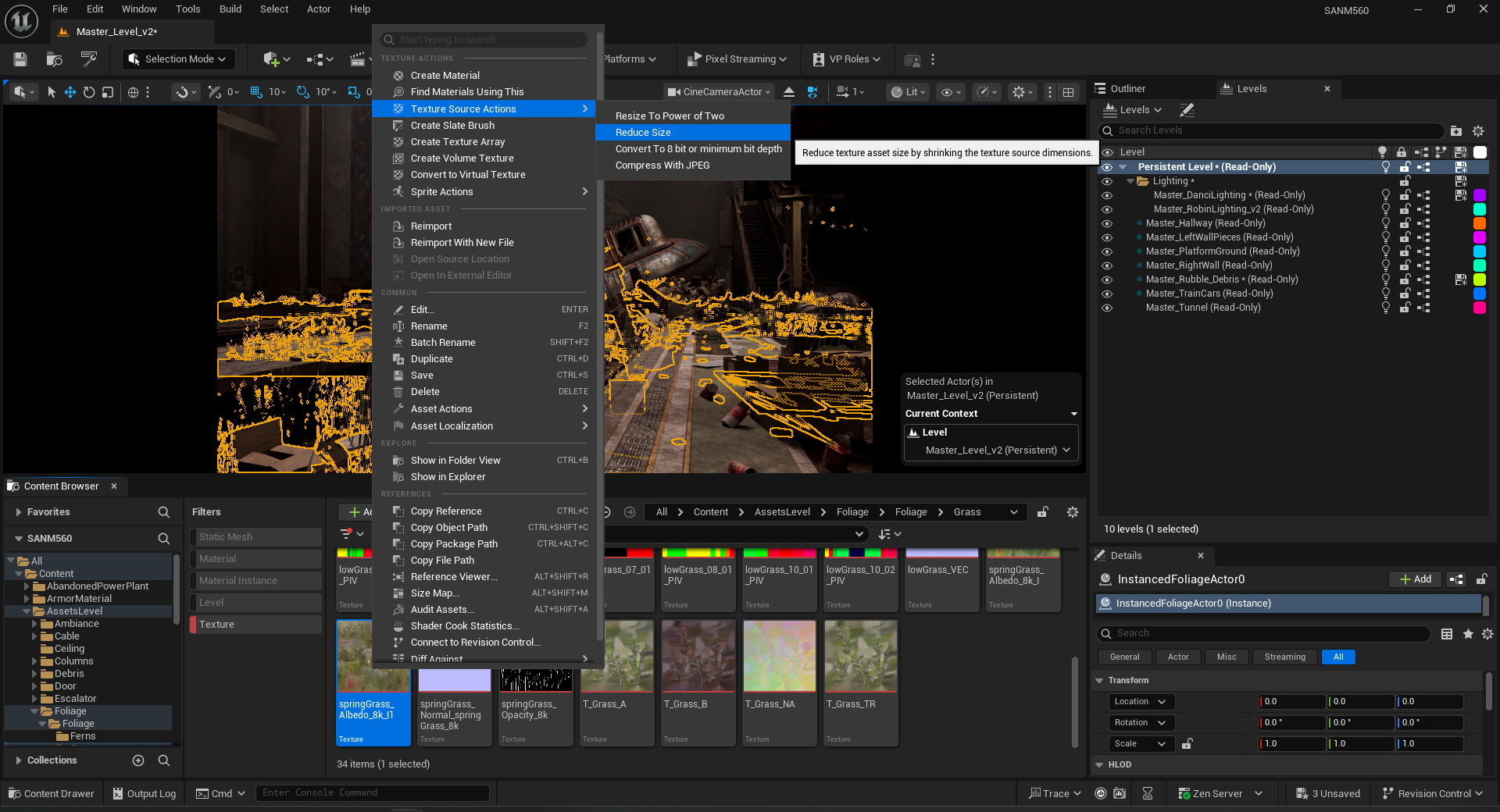
Troubleshot oversized texture maps across multiple materials and optimized them by resizing and consolidating ORM channels. This reduced GPU load while preserving material fidelity on close-up shots.
Next step for Week 9
- Website rough draft
- Help with graphic design (typeface/poster)