(Collab Project) / Winter 2026

Gentle Monster Mock Campaign

A mock smart-glasses campaign for Gentle Monster / from concept and look dev to an LED-wall XR stage shoot and final CG delivery.

Unreal Engine 5 · RenderStream · Disguise · XR Stage · ACES / OCIO · Blender

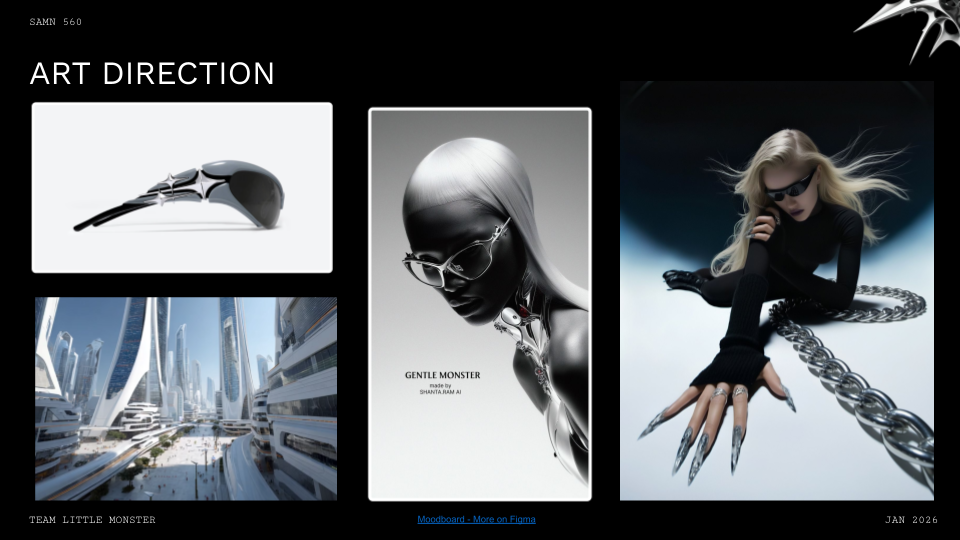
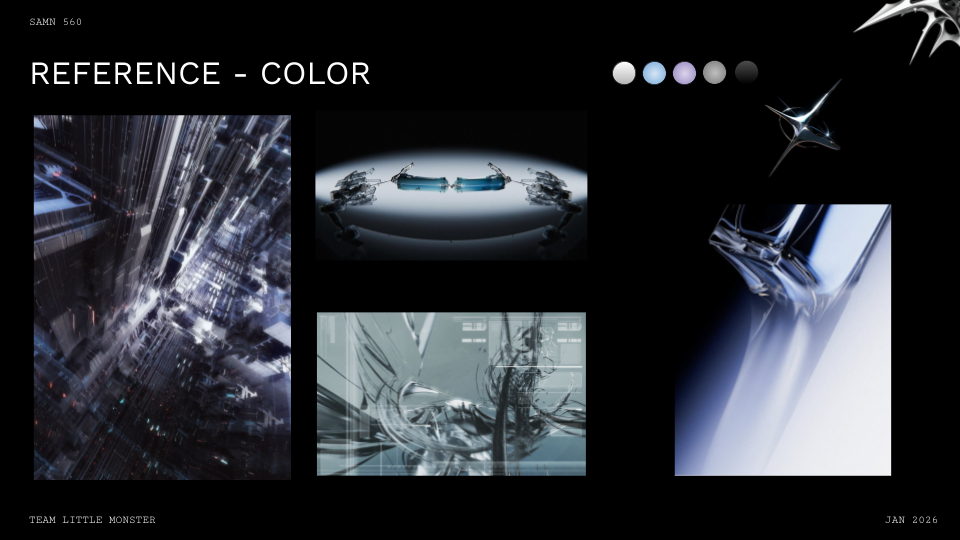
Three minutes to sell our concept to mentors from Harbor and ETC. I handled the idea presentation, art direction, and walked through the color mood boards. The energy in the room was solid / our Gentle Monster x Gemini concept landed well, but the feedback session completely reshaped our visual approach.

The mentors kept circling back to K-pop visual language, rapid cuts, choreographed movement that highlights face and glasses, surreal elements like Gentle Monster's retail installations. Kyle suggested referencing Stray Kids and BTS music videos for pacing.

Lighting feedback was unanimous: hard, graphic stage lighting with strong shadows. Try iridescent materials, mylar, lens effects, anything that makes the glasses feel like they're revealing hidden layers of reality. Jaymin mentioned heavy grain in comp could help blend XR stage work with CG elements.

Material guidance: Iridescent surfaces, mylar, lens effects, anything that makes the glasses feel like they're revealing hidden layers of reality.

XR Stage Booking Locked:

  • Load Test: January 28th, 8am-5pm
  • Shoot Day: February 5th, 8am-5pm

Four weeks to get everything production-ready. Our clock is running.

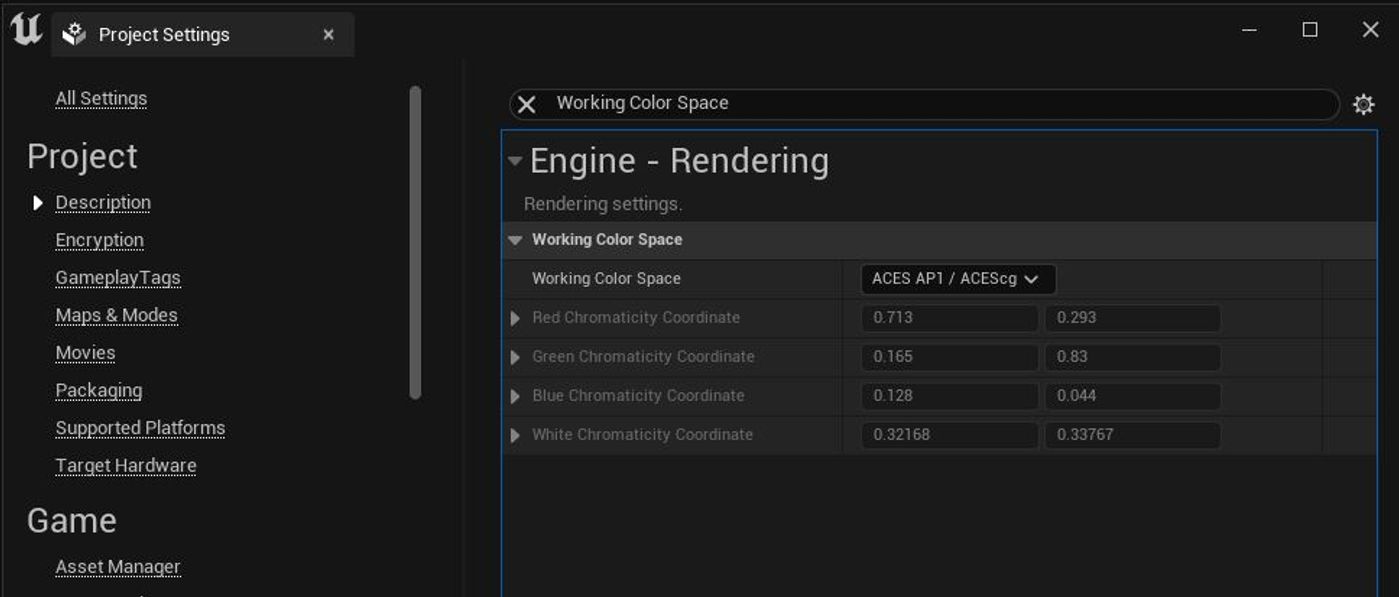
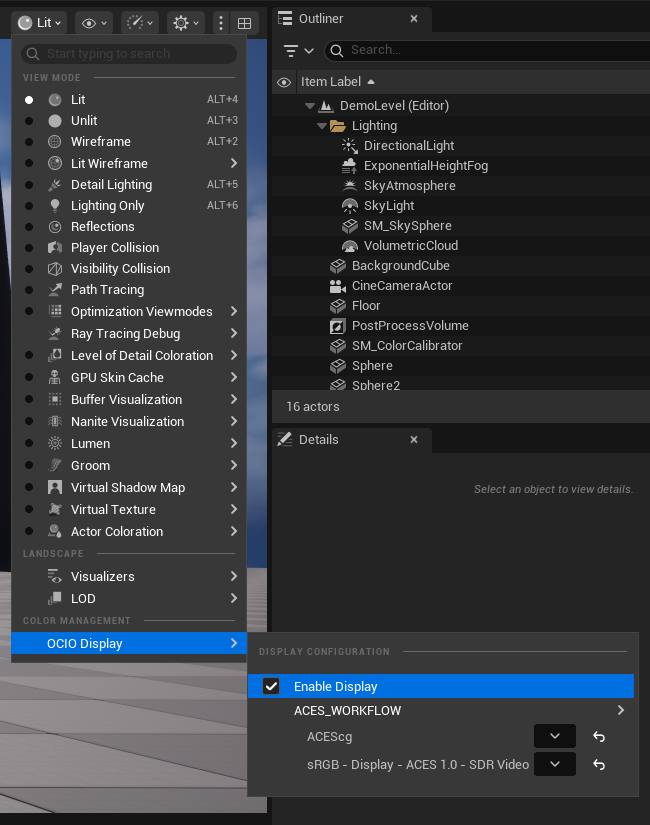
Set up the Perforce repository and Unreal Engine 5 project structure. Color pipeline needed to be bulletproof from day one, configured ACES workflow and implemented OpenColorIO for consistency across CG renders, XR stage output, and final comp.

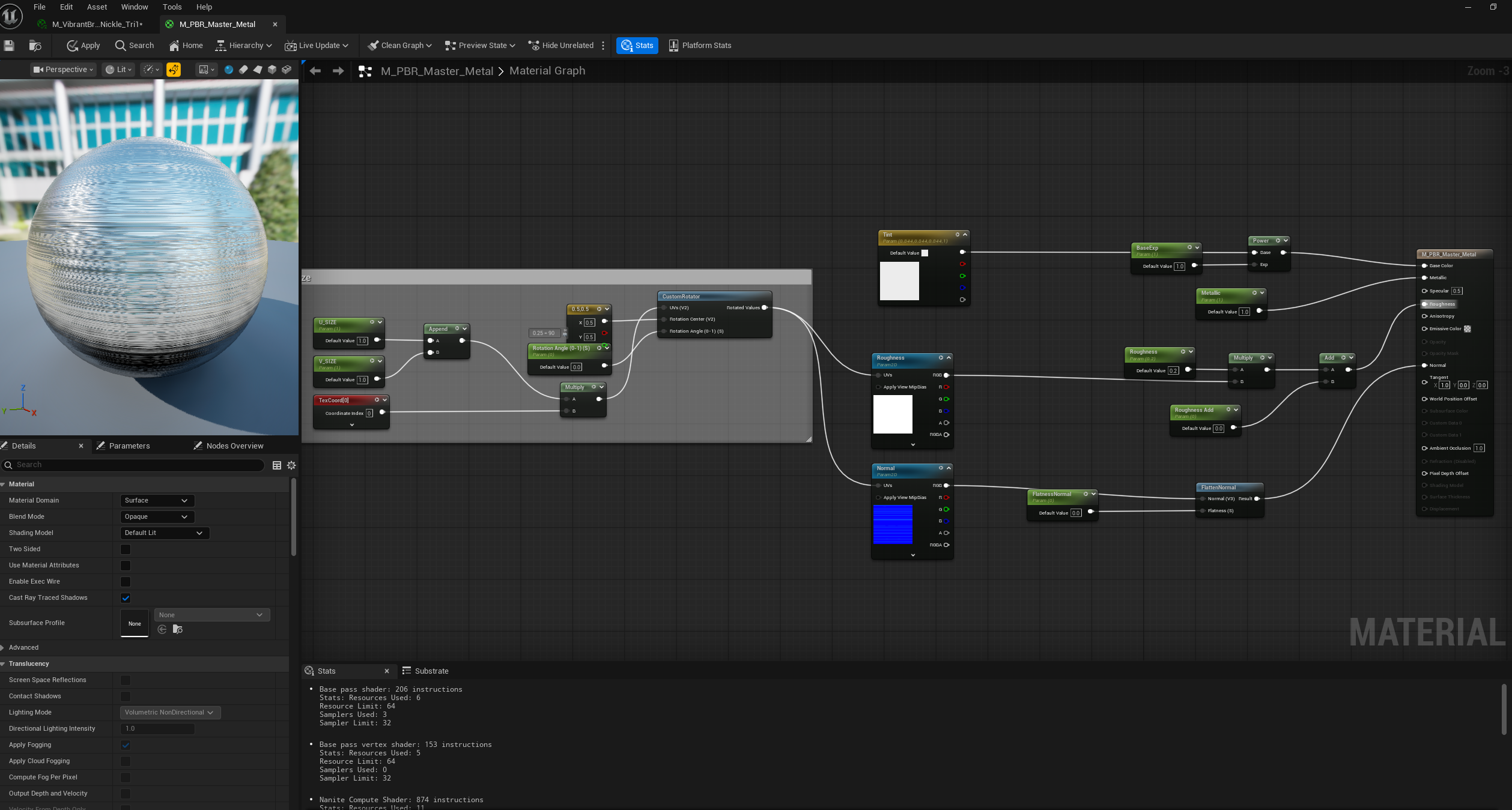
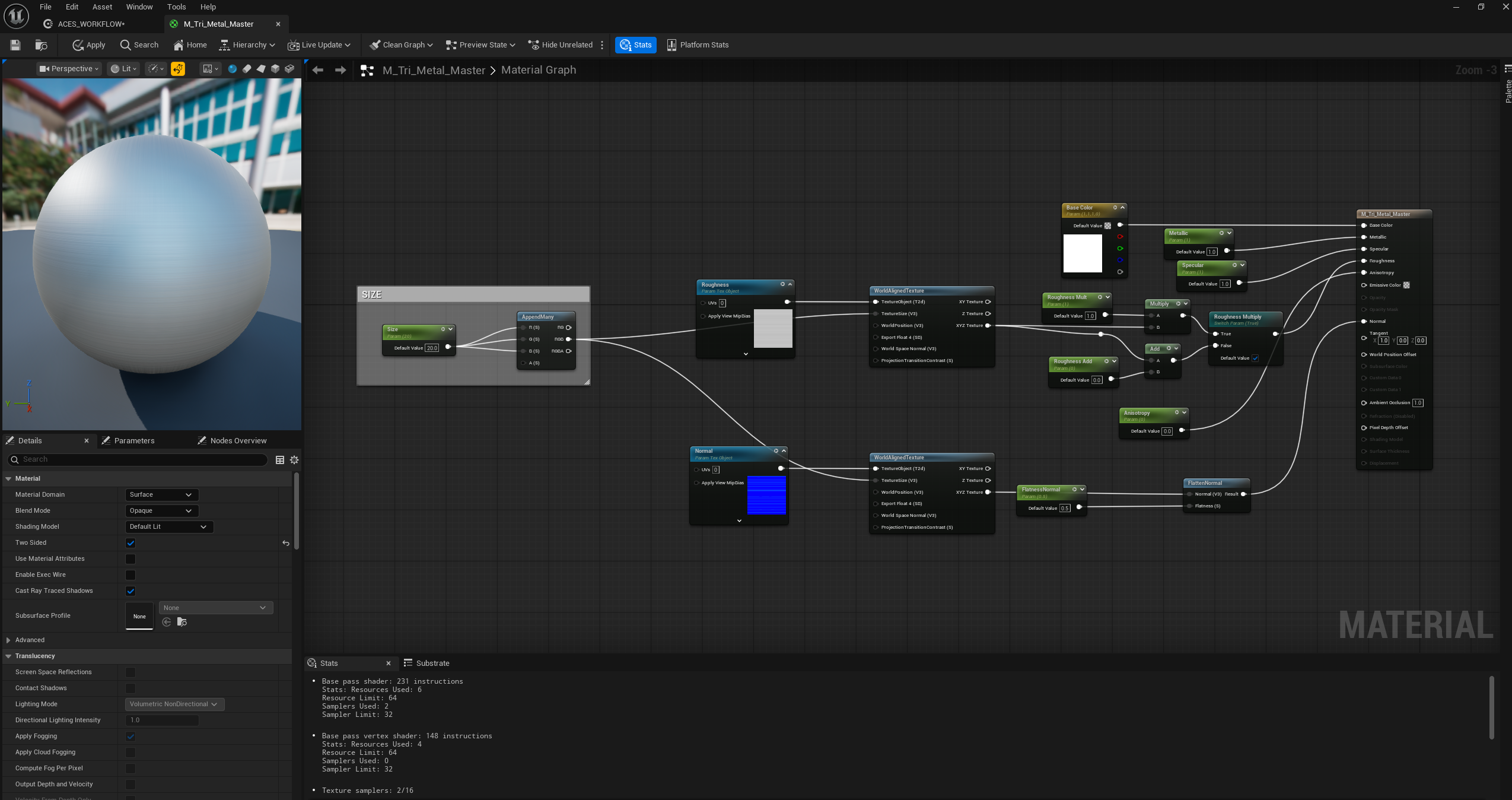
Start building our material library. The PBR and tri-planar master materials give us flexibility for quick iteration. With only four weeks to load test, we need shader systems that let us swap materials without breaking the lighting setup.

Scout with Prof. Prada about holographic shader approach. His guidance: use Additive blend mode for emissive color, fresnel to control perception at glancing angles, complement with scanline effect using 128x128 rectangle mask driven by panner node. Two multiplier nodes, one for intensity, one for color control.

Researching shimmer materials: iridescent finishes, sheen, pearlescence: The Difference Between Luminescent, Pearlescent, and Iridescent Paint ︎︎︎

Primary material targets: Iridescent finishes and Sheen materials to bridge that atmospheric, high-fashion tech aesthetic. The monochromatic palette actually makes material complexity more critical, we need variation in reflection, refraction, and surface quality to keep visual interest.

Pipeline Exploration:

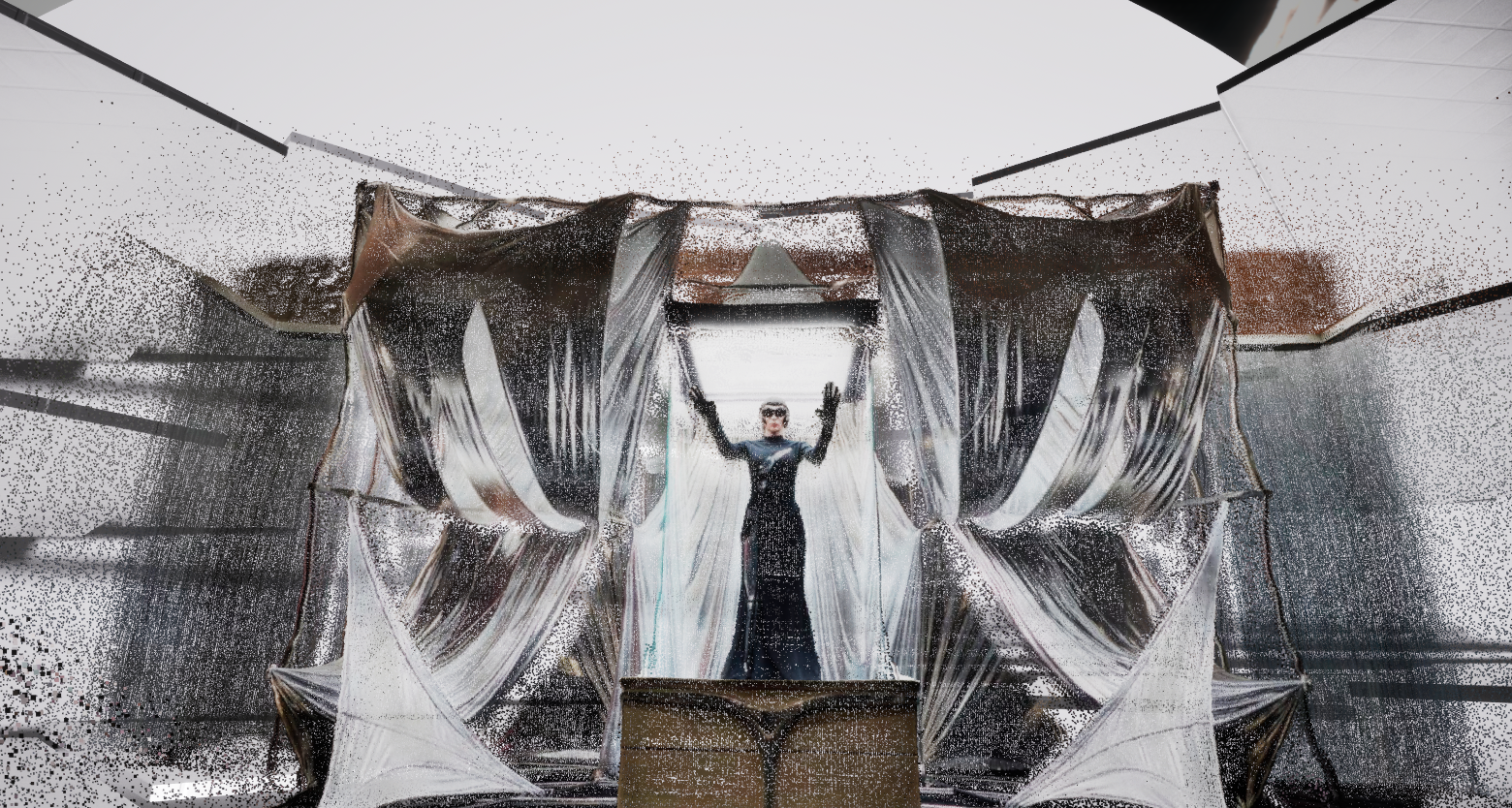
Also exploring Gaussian splat to LiDAR PointCloud conversion using Apple's ml-sharp︎︎︎ https://github.com/apple/ml-sharp Converting 2D images to volumetric point clouds in UE5.

With more experimental images:

  • Pitch presentation (Idea, Art Direction, Color Mood Boards)
  • Perforce workspace configuration & version control setup
  • UE5 project structure with ACES/OCIO color pipeline
  • PBR/Tri-planar master material systems
  • XR stage booking meeting with Team (Load Test 1/28, Shoot 2/5)
  • Futuristic city asset optimization with Bua
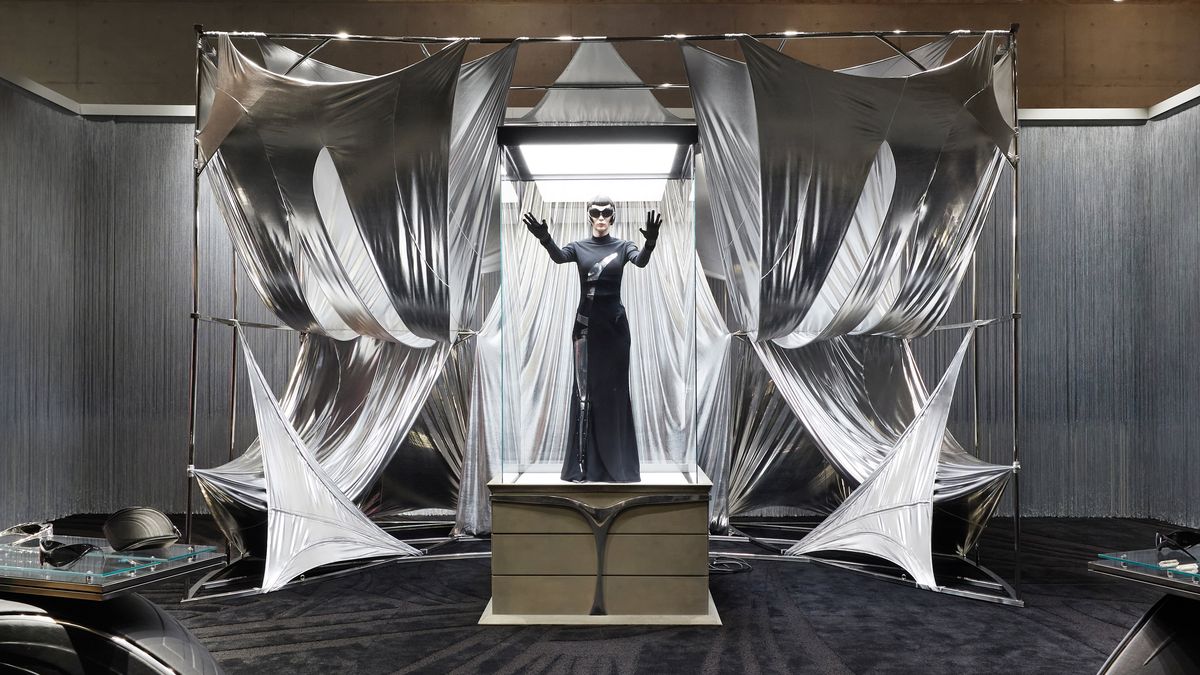
  • Initial Gentle Monster store element concepts

Key Focus Areas:

  • Concept for one more environment
  • Gentle Monster retail installation element
  • Model and set dress for salt flats
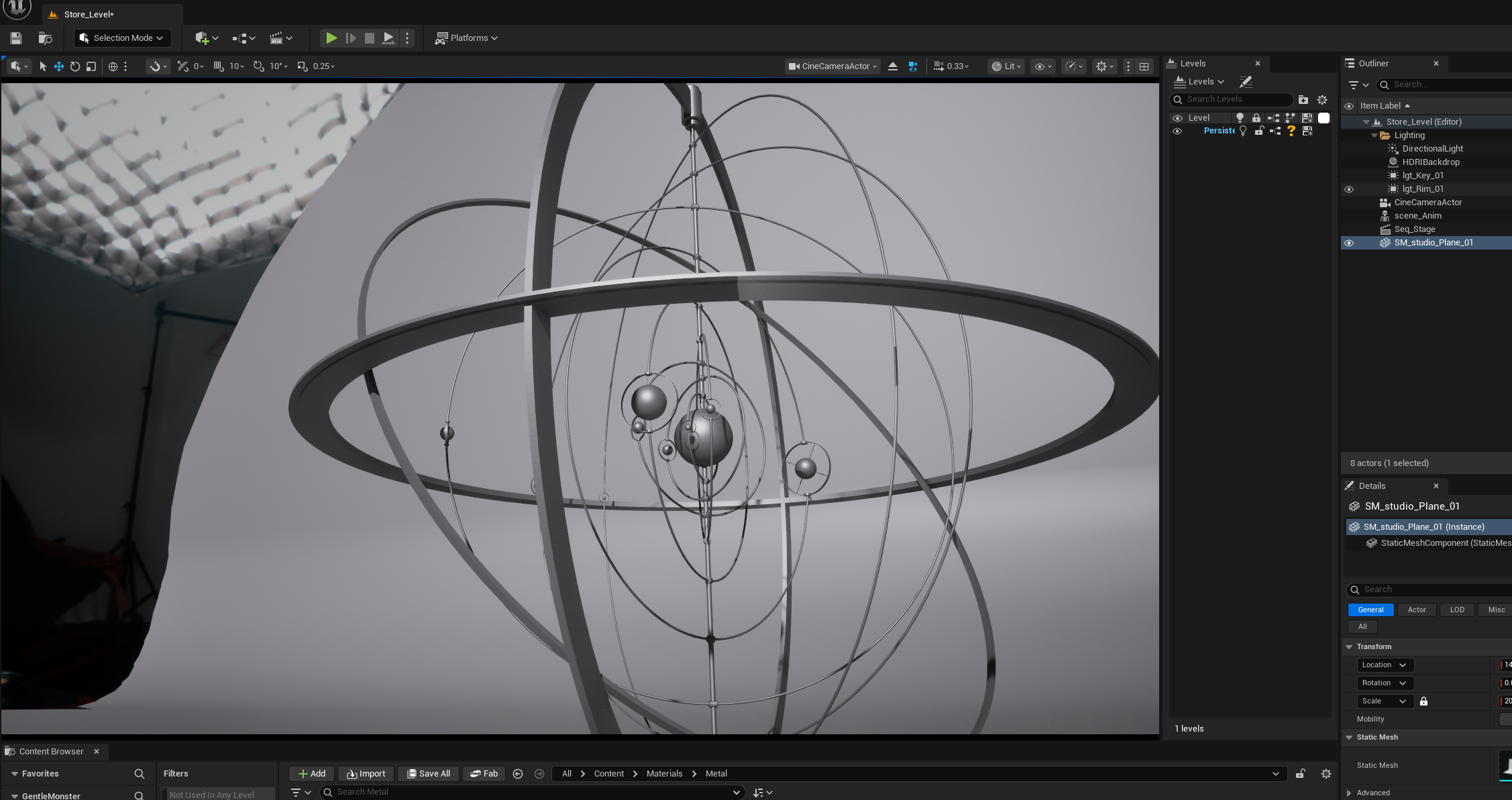
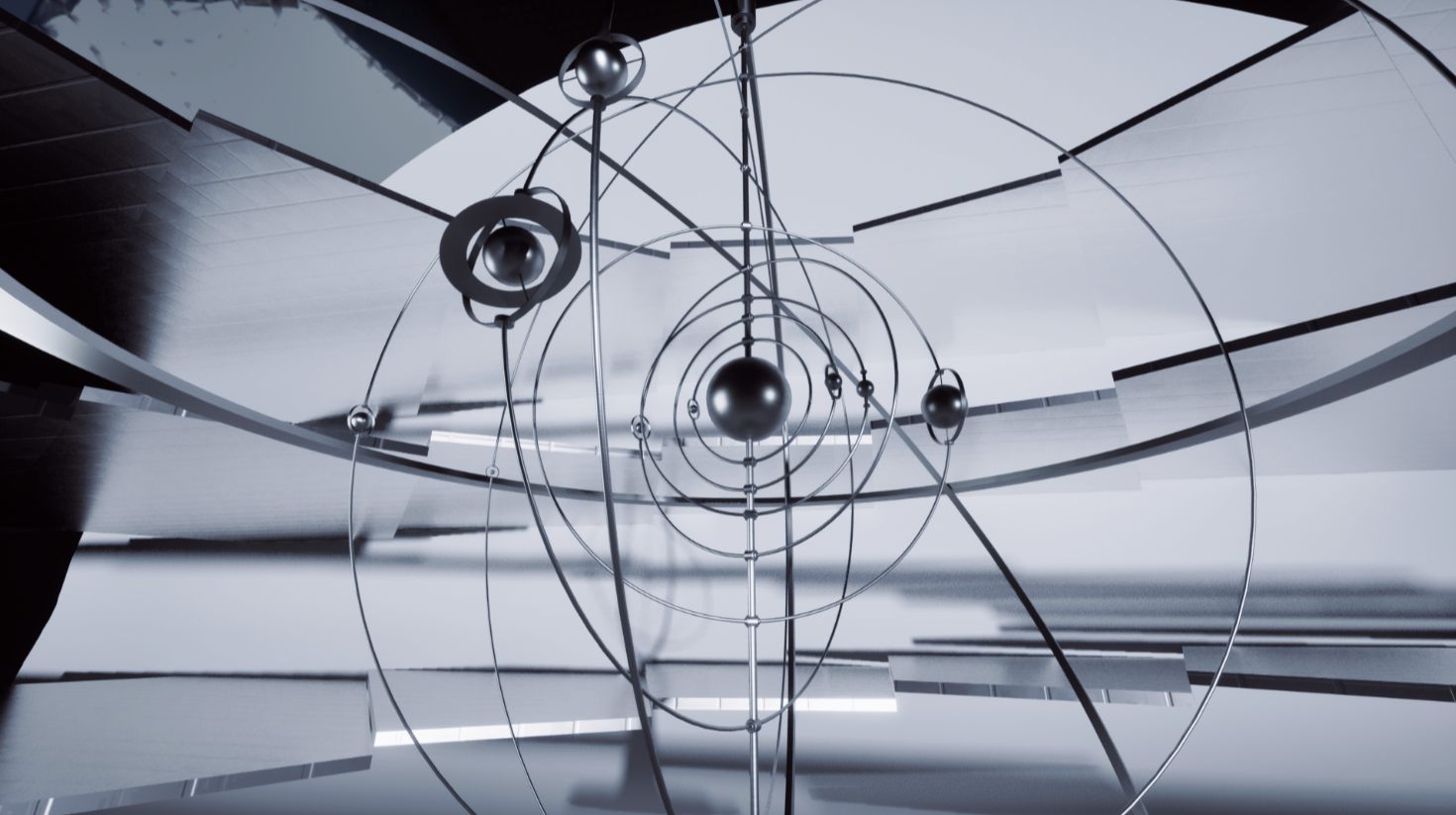
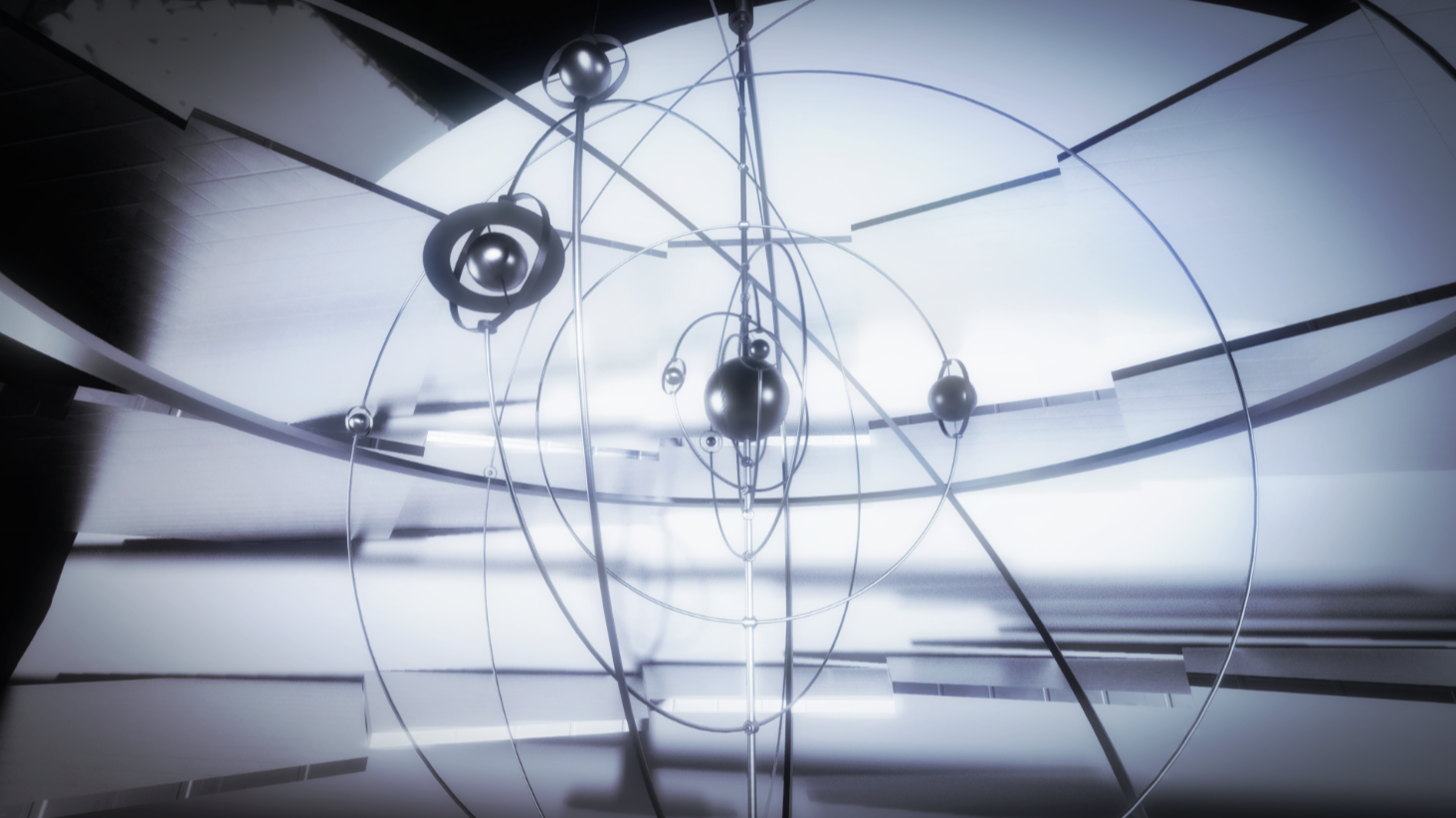
  • Refine Spinning Museum
  • Iridescent & Sheen material test suite

Feedbacks

  • Lean more abstract
  • Futuristic city not fit in the vibe
  • AI insects are interesting

SaltFlats Scene
Reference:

WIP:

Working progress, still need more details:

`fog cards
`ambience

AI concept: AI Lab

Stage concept for connecting virtual and onset production: cable, chain, platform... Bua is working on this environment for now!

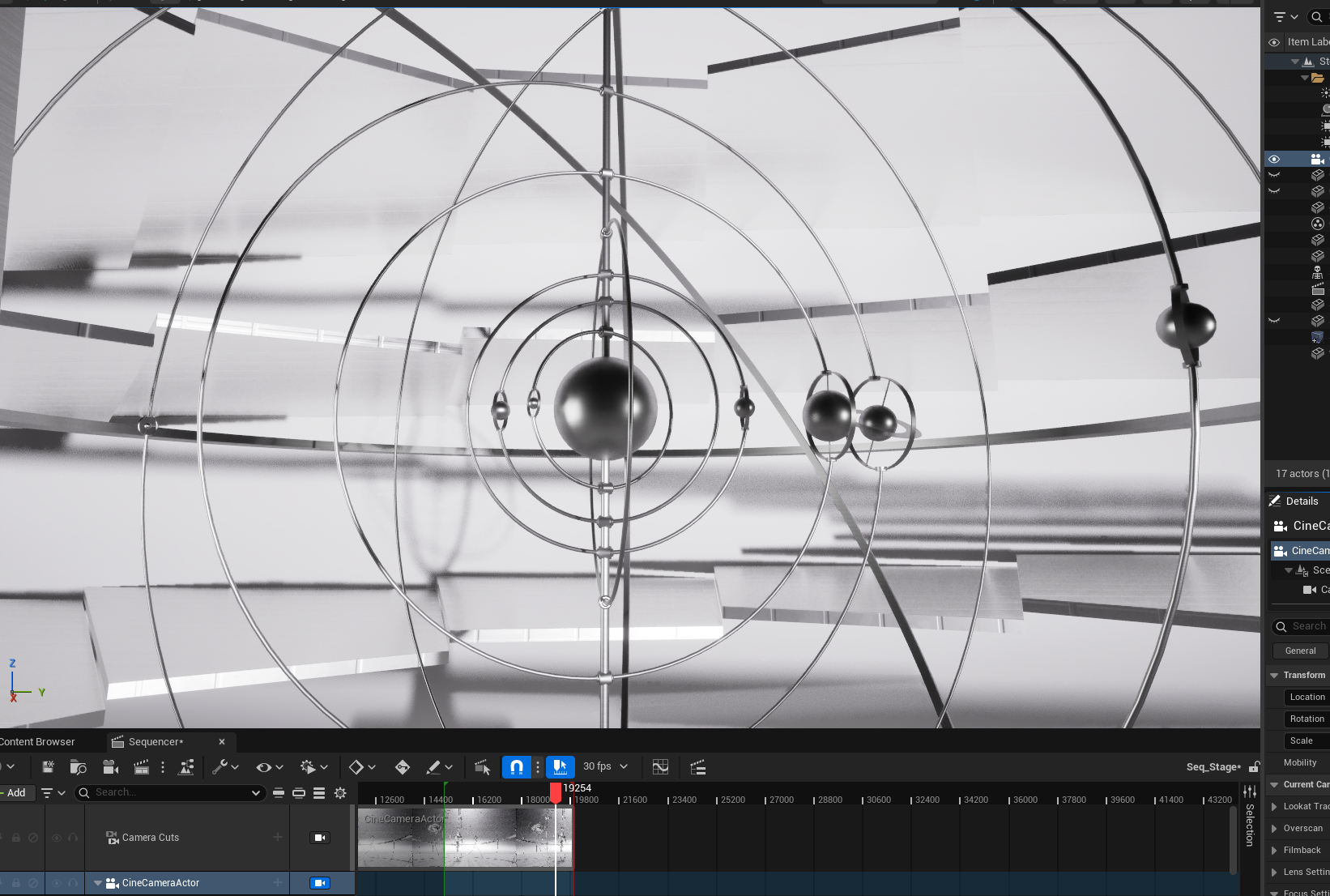
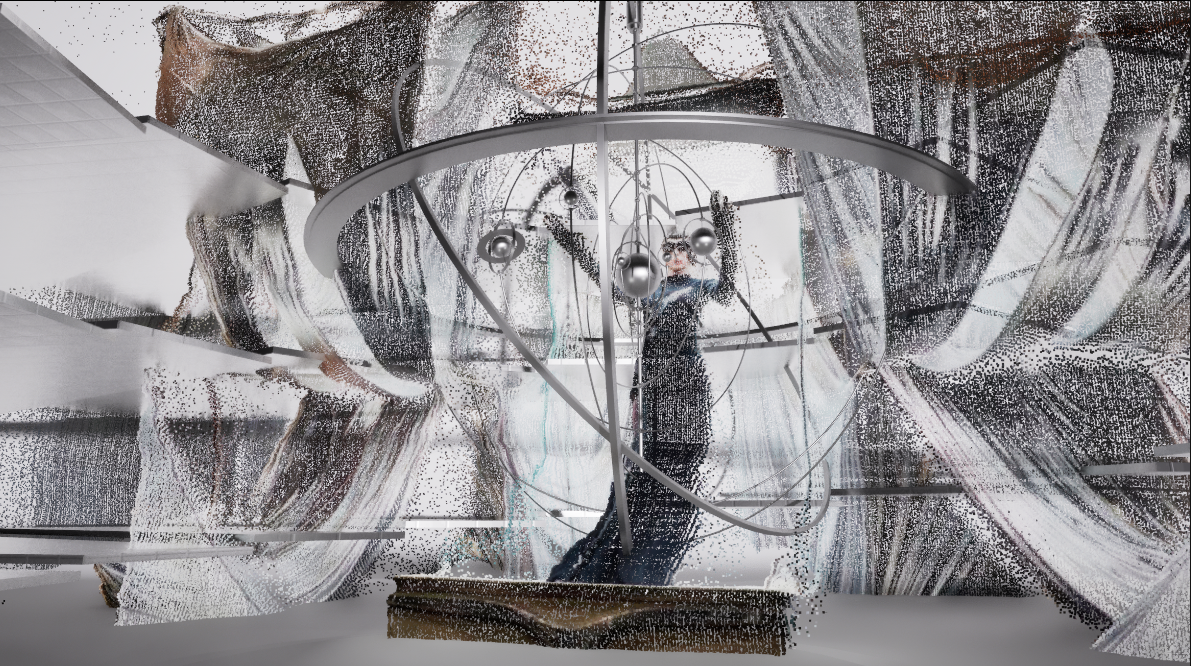
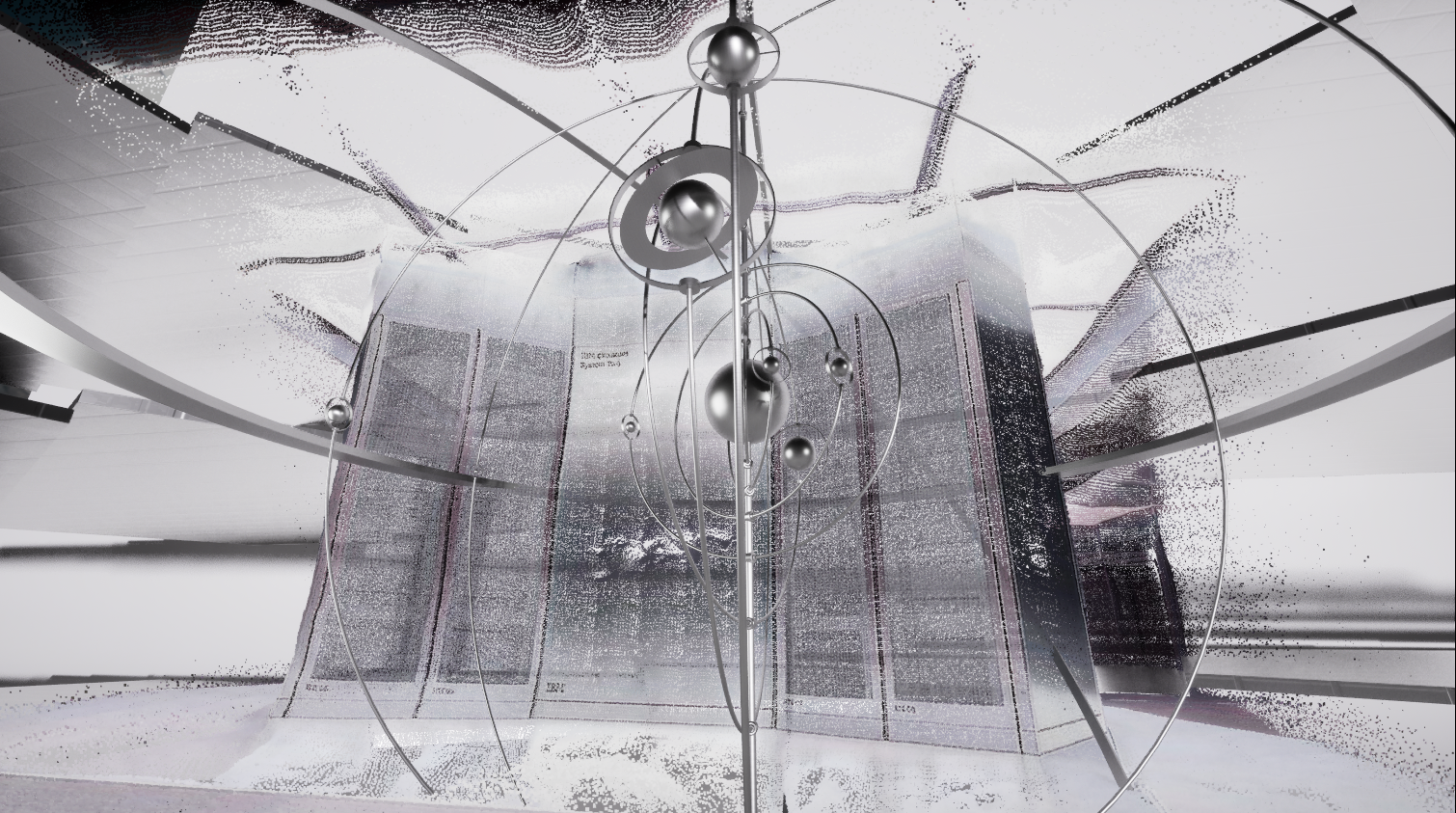
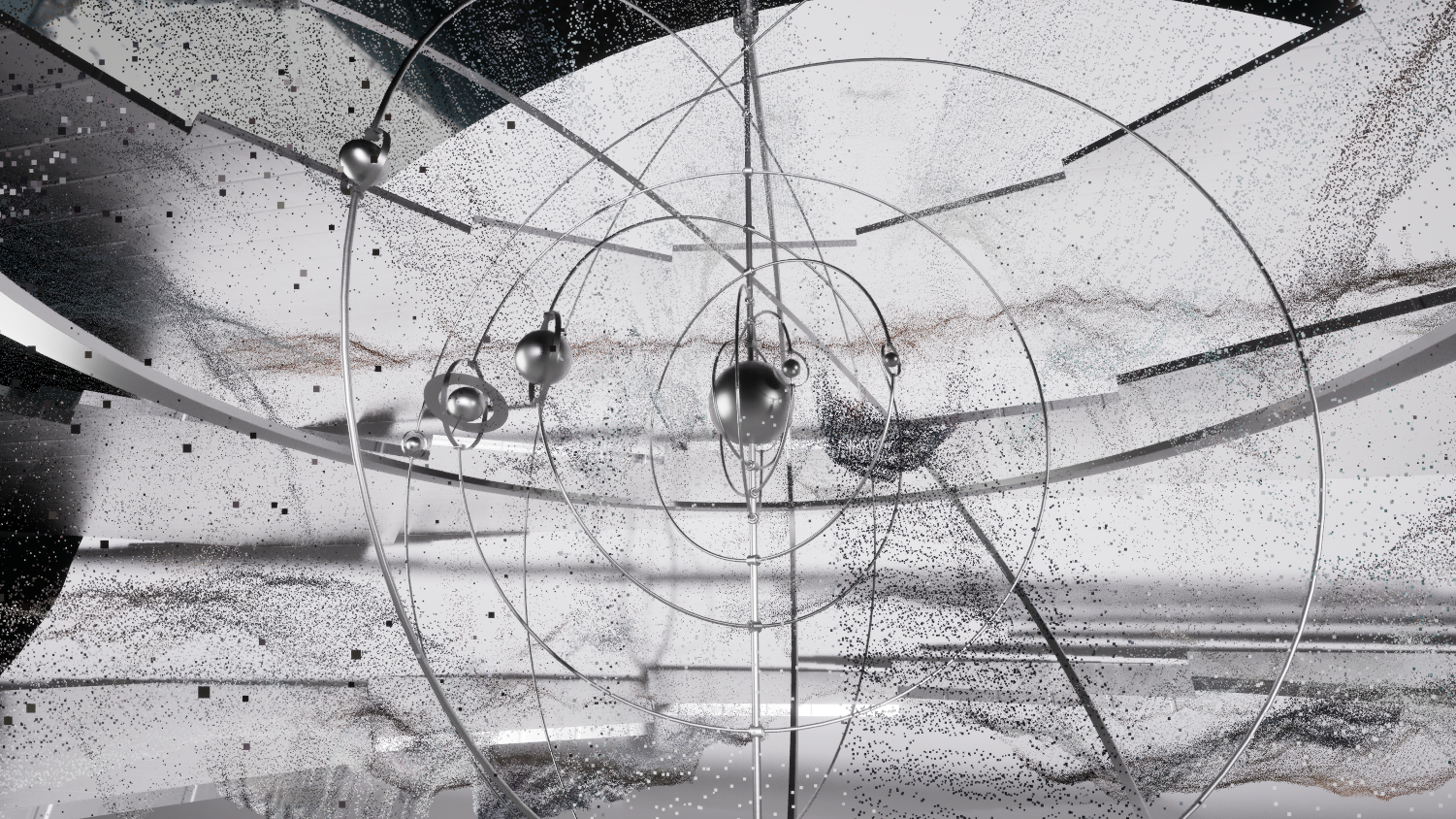
Set Dressing: Kinetic Museum

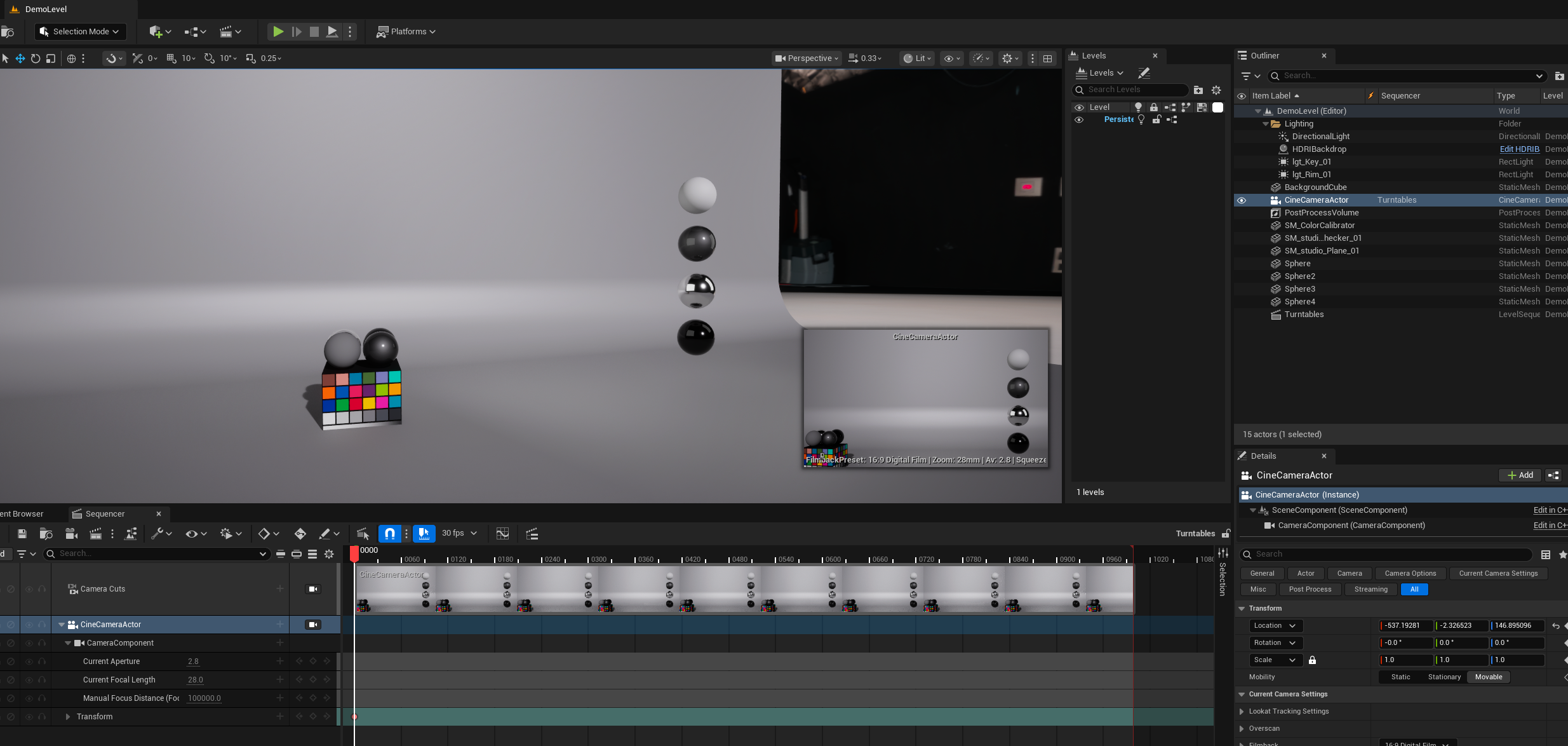
Video: LookDev with Camera Movement

RenderStream Setup:

Version RS2.0-UE5.5_ece3f64

- Select each Cine Camera attached to the Camera_Root and name them:

  • 0_Outer_Cam
  • 1_Inner_Cam
  • 2_AR

- On each camera, click the “+ Add” button to add a component and search for RenderStreamChannelDefinition and add it to each camera.

- On the 2_AR camera, select the newly added RenderStreamChannelDefinition component, then set Default Visibility to Hidden. Then under general show flags, uncheck Atmosphere and Fog.

Turntable for Glasses

  • One more environment concept - AI Lab
  • Refine Kinetic Gallery, add Gentle Monster star and stage into virtual environment
  • Help with Week 4 Previs
  • Refine glasses material, rendered out turntable
  • Setup RenderStream plugin and cameras for load test
  • Add camera movement to Kinetic Gallery for Previs
  • Set dress SaltFlat Level
  • Lean more moody lighting

  • Avoid over light

Material Optimization

  • Change some PBR materials into Tri-Planar material (more flexible).

  • Fix missing materials

Scene Cleanup

  • Delete CineCameraActor in Levels (clean up previs cameras)

  • Ensure SKM_Quinn hidden in game

  • Delete PlayerStart

  • Change Geometry Brush Actors to Static Mesh

  • Delete Post-Process Volume in sub-levels, create Master PPV.

Lighting & Rendering Setup

Level Management

  • Setup Master Level

  • Align Pivot Point to (0,0,0)

Camera & Exposure Settings

  • Exposure setting - change Mode to Manual

  • Change the Vignette Intensity to 0.0

Shadow & Rendering

Environment Optimization / FPS 95+

Note:

  • Level_Lab applied 90 degree rotation due to root camera position
  • Roughness max 1.7
  • Fix reflection artifacts by set Final Gather Quality 4

Onset Gallery

Credit: Bua for set dressing & lighting; Sheng for Spider Animation

  • Environments optimization before load test (FPS 95+)
  • On-set Adjustment (Color Grading, Lighting, Material Optimization, Console Commands)
  • Scene clean up
  • Figure out Nanite issue on facet
  • Fix VSM Warning
  • Level Management
  • Post-Process Volume setup & Console Commands for rendering
  • FBX Camera export test

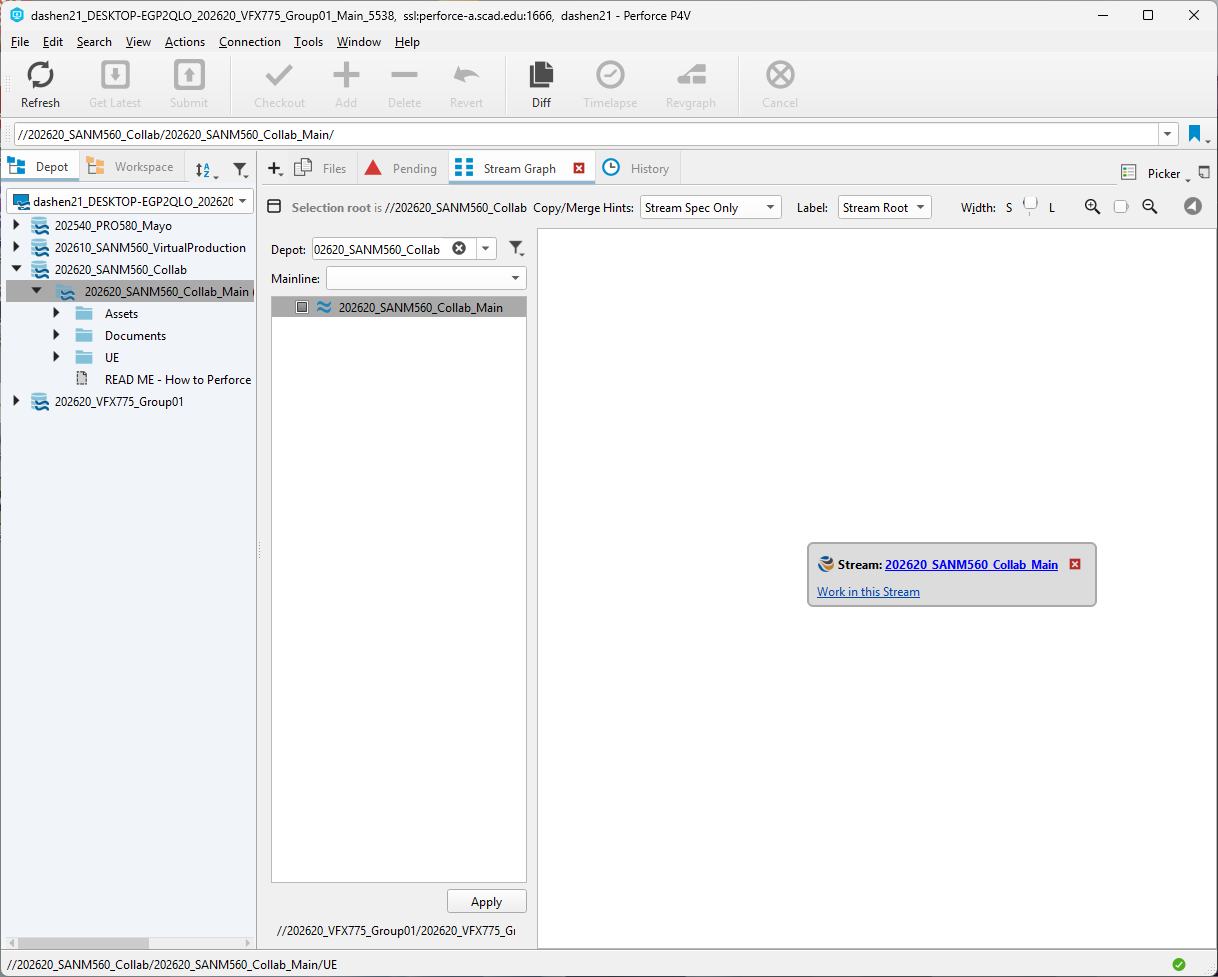
1. Disable Perforce - Have persist failed issue on load test

  • Edit → Project Settings → Source Control: Provider to "None"
  • Edit → Plugin → Perforce Disable
  • Delete: Saved/Config/WindowsEditor/SourceControlSettings.ini
  • Delete: Saved/SourceControl/

2. Migrate updated maps to XR version
3. Changed some materials to material instances.

Take Recorder: Recording camera data while shooting.

Technical Challenges:

Level Sequencer failed to execute when simultaneously recording camera tracking data

Failed Attempts:
1. Blueprint trigger box, overlap event - not working in editor mode
2. Blueprint trigger box, event tick (actor overlap) with boolean logic and do once - not work
3. Adjusted Take Recorder and Multi-User settings - not work
4. Tried to hit record button before play animation sequence - not work

Final Solution:
1. Pivoted to per-level streaming strategy and removed bug's positional keyframes
2. Slowed down animation speed for more realistic feel.

Color Pipeline Challenges

Color accuracy on set involves multiple factors:
1. Lighting cards on LED Wall
2. Physical lighting on set
3. RED Raptor sensor response & color science settings
4. Color transfer chain (Unreal Engine - RenderStream - Disguise - LED Wall)

It looked blue-purple-ish at first time, by setting some parameters to get neutral color

BTS Gallery

Massive shoutout to our incredible team: Anna, Bua, Sheng and Robyn, couldn't have done this without you.
Huge thanks to our model Violetta for bringing the vision to life, and Shannon for the killer makeup work.
Ben, Julian and Deja, thank you for jumping in on camera support when we needed it most.
And special thanks to Conner for the clutch troubleshooting and Aaron for helping us over remote calls.

Couldn't have made this happen without every single one of you.

  • Environments optimization before shoot (FPS 90+)
  • On-set Adjustment (Color Grading, Lighting, Material Optimization, Console Commands)
  • BTS footage
  • Recording Camera data via Take Recorder
  • Footage meeting with team

A critical inflection point in the project. With XR stage footage locked and the team's full asset library in hand, this week shifted focus from building to refining, implementing mentor notes, resolving continuity across shots and making a strategic creative decision that sharpened our final direction.

After reviewing our timeline and production capacity, our team reached a decision: drop the Gemini AI integration and focus entirely on Gentle Monster.

  • CG renders for comp with AOV pass settings
  • Refine materials for CG glasses
  • Color-corrected continuity quilt across all shots
  • End shot render based on Sheng's animation

Developed the motion graphic concept for the glasses reveal sequence. References pulled from HUD design, AR interface conventions, and fashion tech campaigns, the goal was something that reads as intelligent and observational without feeling like a generic tech overlay. The graphic elements needed to feel native to the Gentle Monster aesthetic: precise, slightly surreal, typographically confident.

With less than two weeks to final delivery, attempting to serve two brand identities at full quality would have diluted both. We decided to focus on CG and refine renders as good as we can.

Assembled a full shot continuity quilt after applying color corrections across all sequences.

Rendered an additional CG version of the end shot based on Sheng's animation, serving as a continuation of the closing sequence.

Details starting to lock in. This week focuses on refinement and consistency, making sure all shots maintain the same visual quality and that our technical decisions are holding up under iteration.

  • Look Development for CG renders
  • Animation integration
  • Color grading tests
  • Sound design tests

Almost there / final polish beginning. This is the week where we shift from building to refining. Every frame gets scrutinized, every detail matters.

  • Look development for CG Render
  • Detail enhancement
  • Help with color grading
  • Timing and pacing adjustments

Updated new CG renders:

Final push before mentors visit for review. This is it / the last week to address any remaining issues, polish every frame to perfection, and prepare for the final presentation. Everything we've built over the semester comes down to this.

  • Render with depth passes and motion blur on
  • Mentor feedback integration
  • Final 4K exports and deliverables

Set up camera and lighting for spider movement, Rigging and animation by Sheng

Class wrap and final delivery. Time to present everything we've built over the semester: hi-res stills, final animations, and the story of how we got here.